Turn sketches into
photorealistic
images & video.
The precision studio for industrial designers, architects, and concept artists. Convert sketches, line art, and 3D blockouts into production visuals with exact geometry control.
Live Studio Engine
Spatial precision in action.
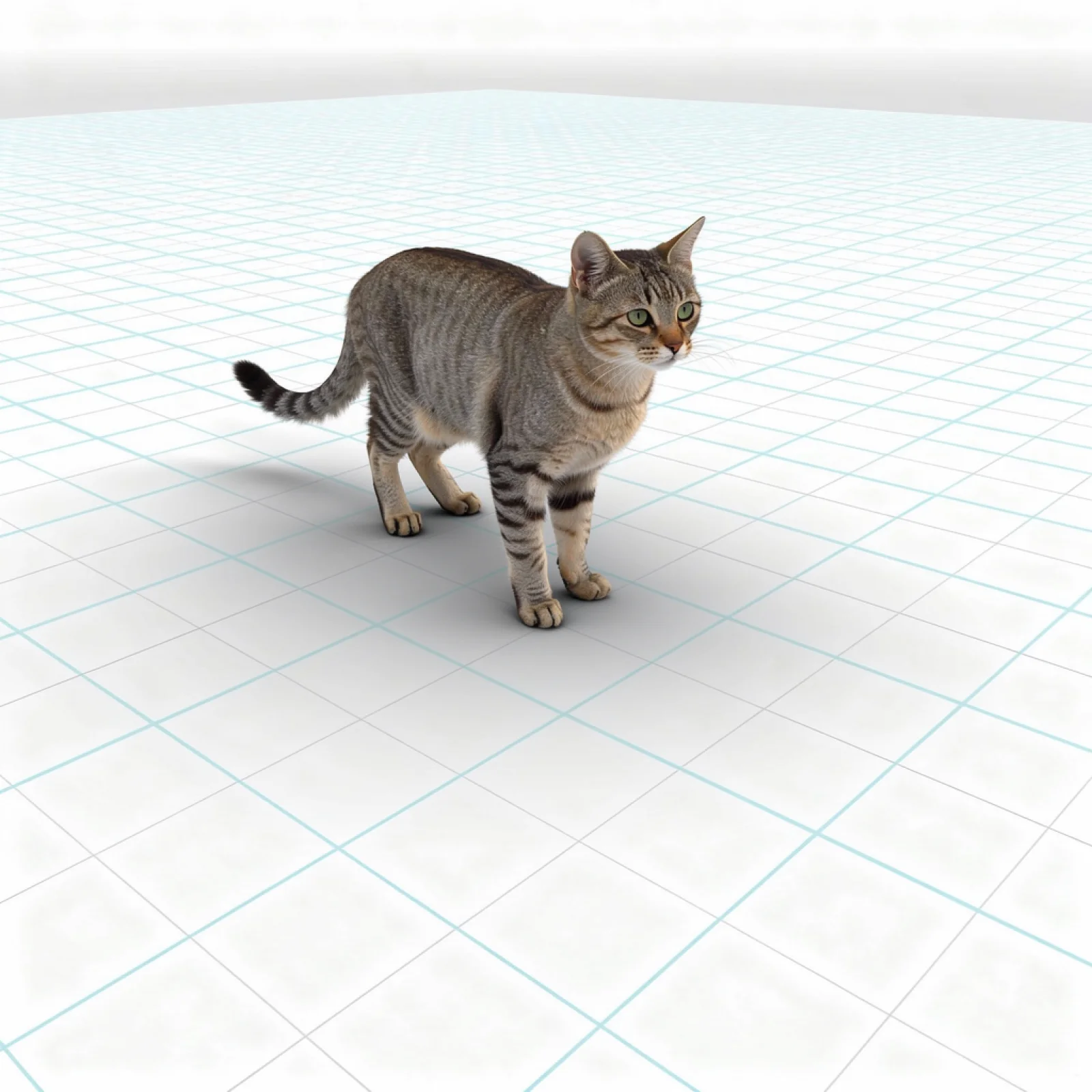
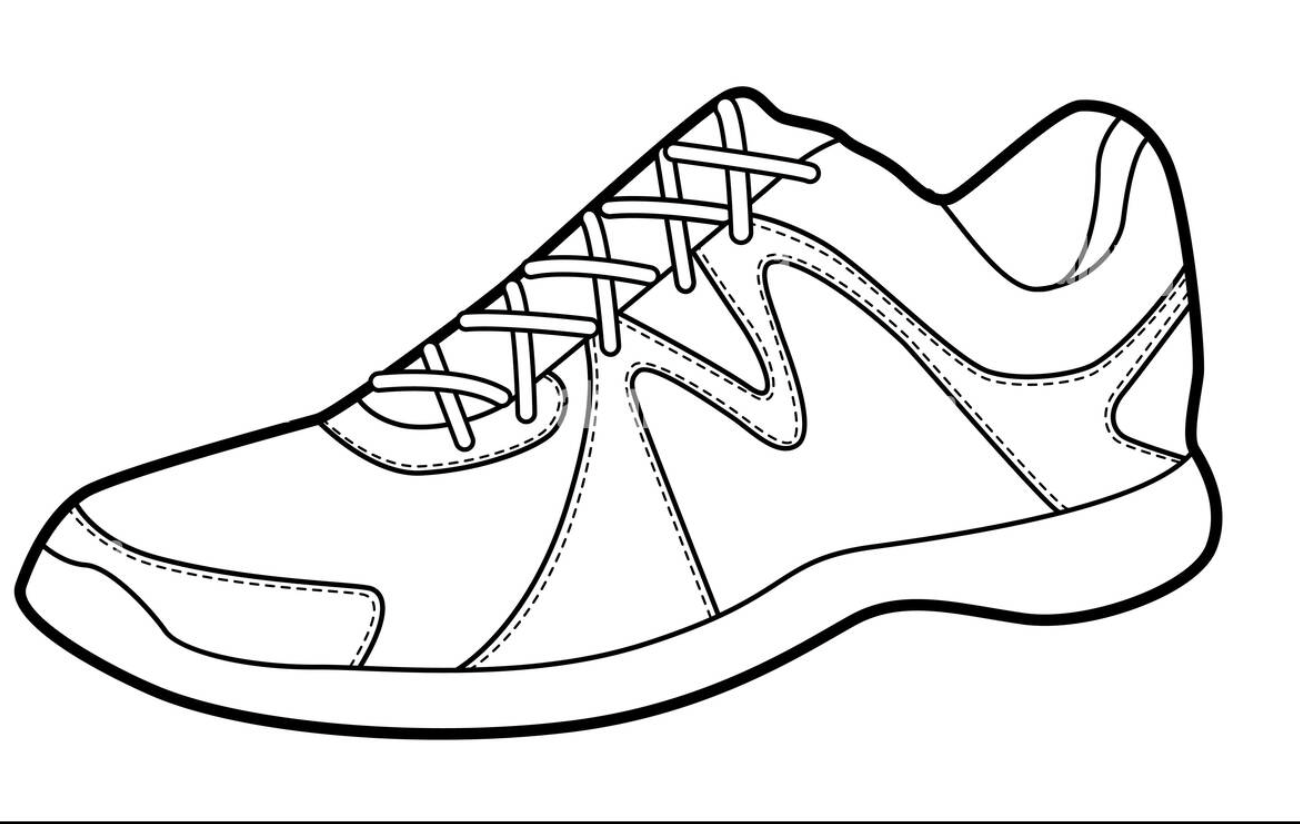
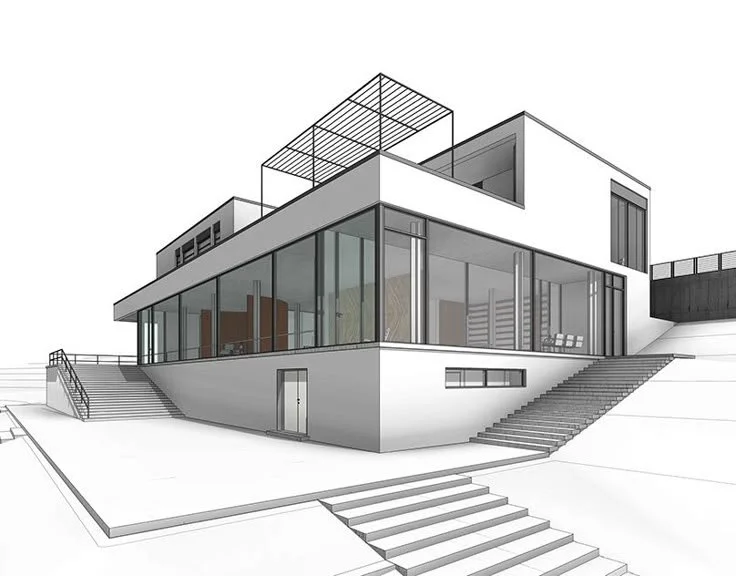
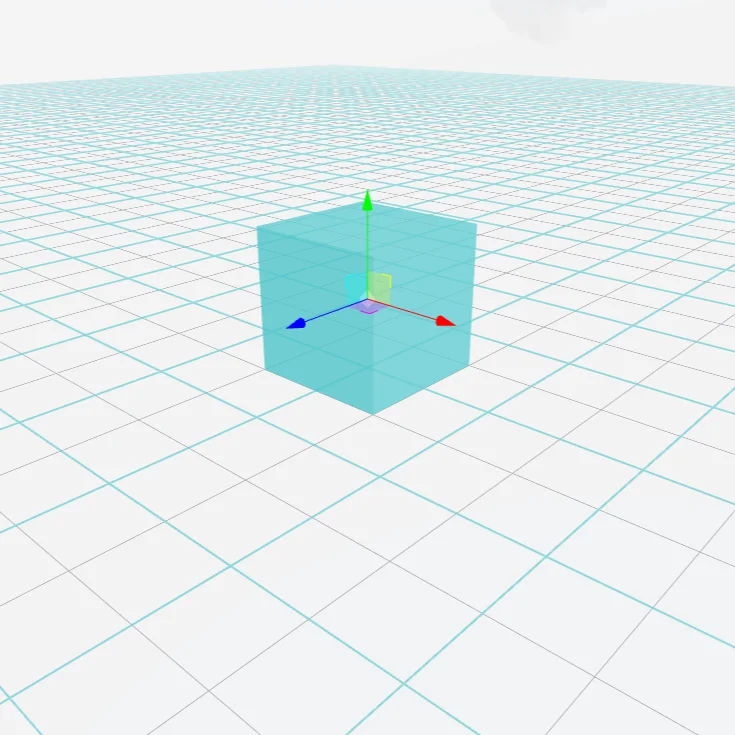
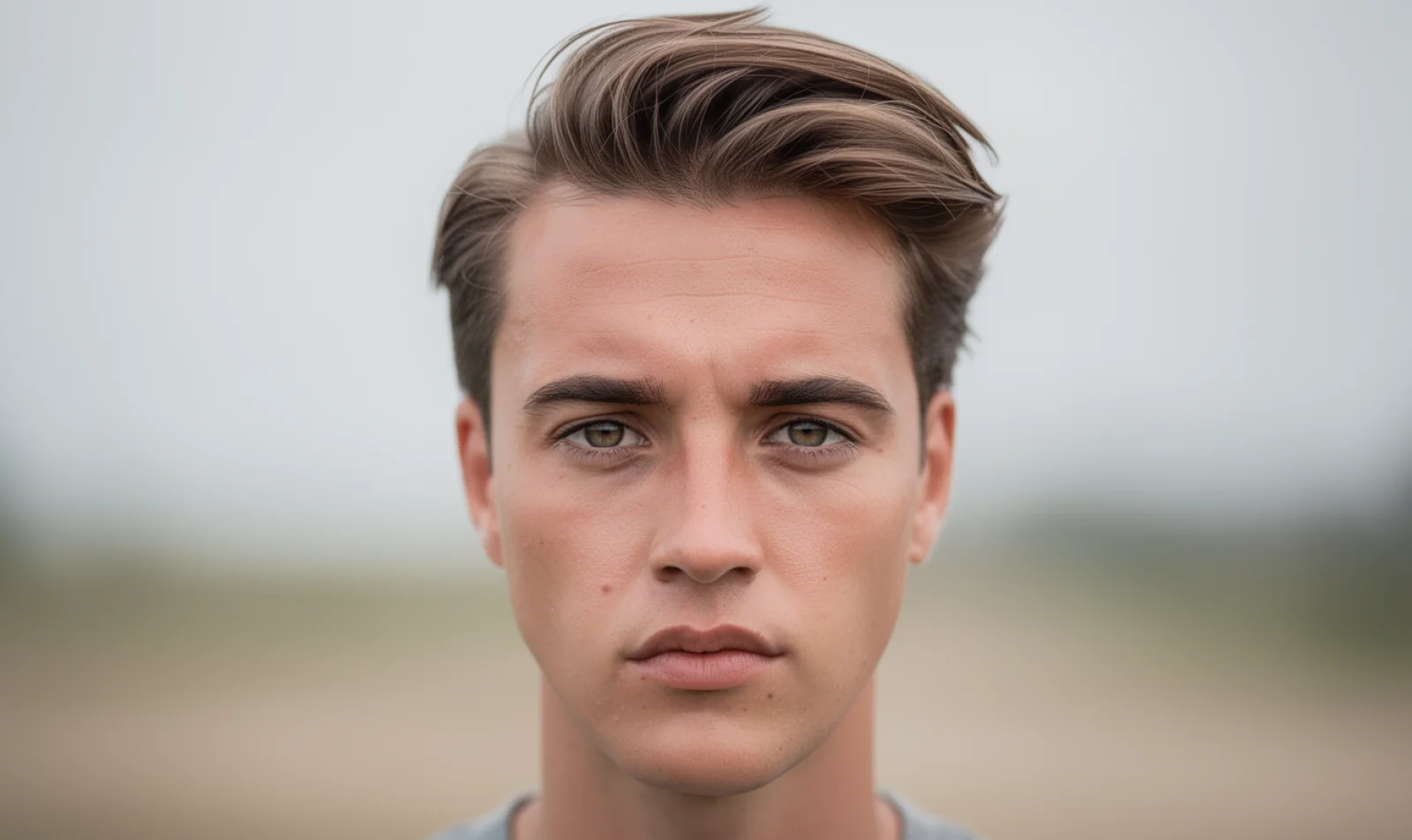
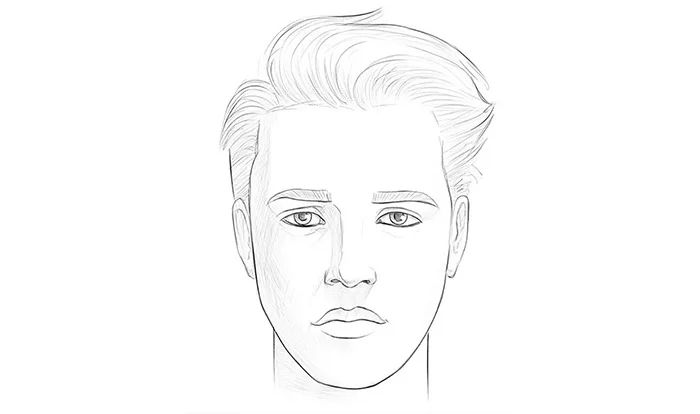
Drag the slider to test raw line art, architecture drawings, and 3D geometry transformations.
Core Capabilities
Engineered for creative control.
Not random generative guesses.
Draw3D bridges the gap between rough ideation and final visual production, giving artists precise control over geometry, lighting, and camera perspective.
Sketch to Photoreal
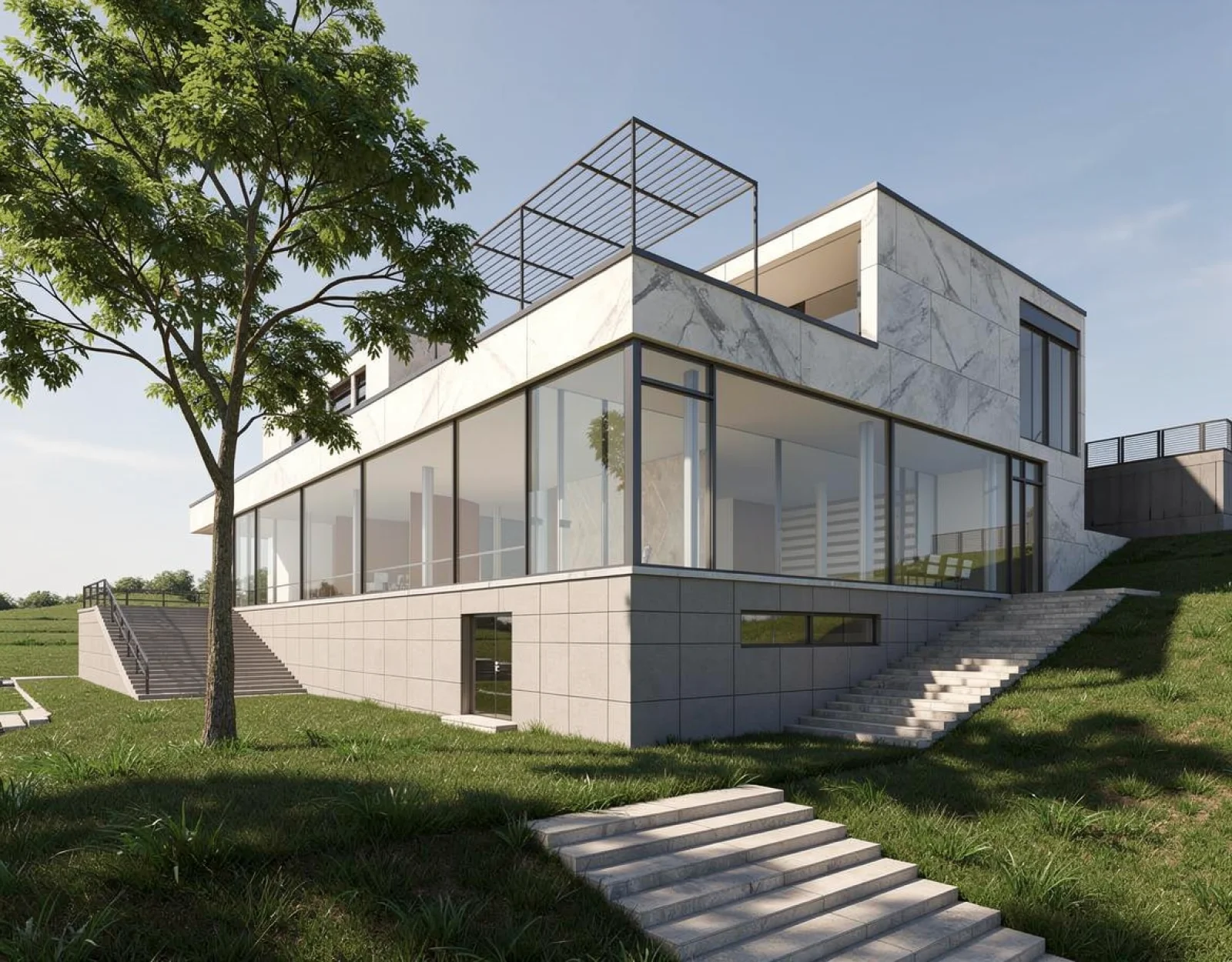
Input hand-drawn concept line work or architectural plans. Draw3D interprets spatial depth and renders realistic materials while keeping your original geometry intact.
3D Blockout Rendering
Import primitive shapes from Blender or CAD. Assign global illumination, surface roughness, and ambient environment shaders in seconds without UV unwrapping.
Storyboard to Video Motion
Generate seamless camera motion, depth shifts, and dynamic movement directly from a single photo keyframe or storyboard drawing.
8K Detail Upscaling
Upscale any concept render to ultra high resolution without blurring or losing fine architectural grain, fabric weaves, and wood textures.
Workflow
Designed to fit into your existing production pipeline.
No complex shader networks or weeks of modeling required. Move from concept to client deliverable in three steps.
Draw or Import Geometry
Sketch directly on the browser canvas, upload a CAD outline, or import screenshots from Blender, SketchUp, or Maya.
Define Style & Materials
Choose materials (concrete, brushed aluminum, glass), set lighting moods (golden hour, studio ring light), and control depth weight.
Export Renders or Motion
Instantly export 8K production renders, generate turntable video clips, or iterate variations in seconds.
Showcase
Created by designers, architects & studios.
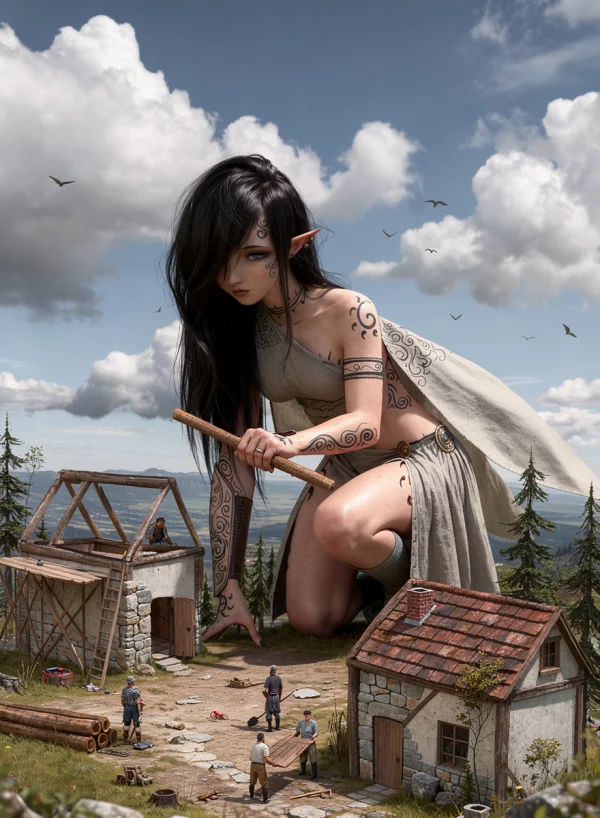
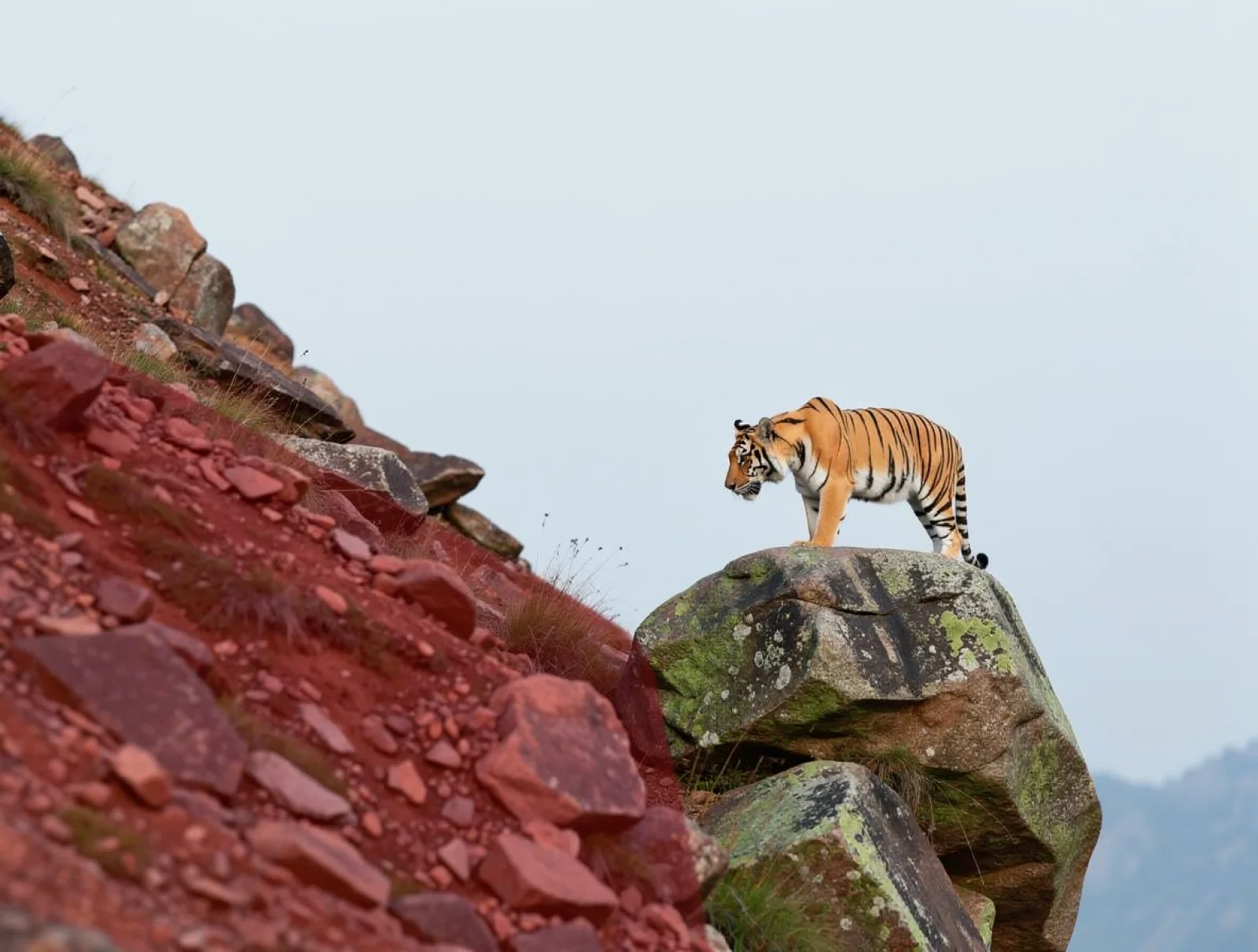
Keep everything the same but no antlers, change from portrait aspect ratio to landscape aspect ratio
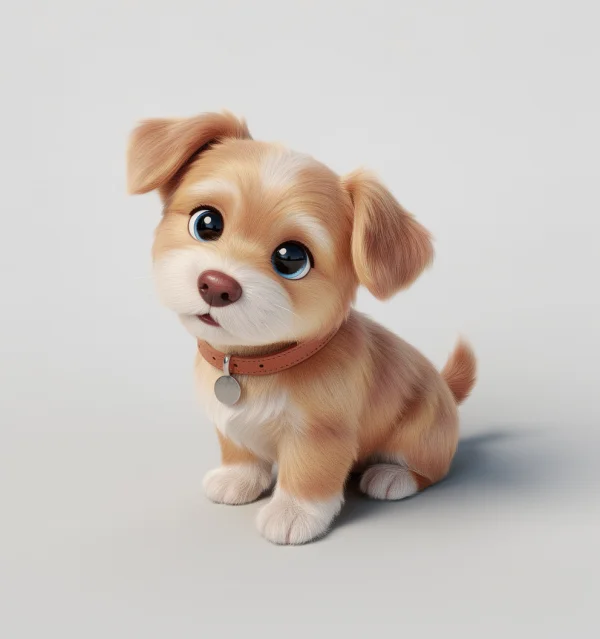
no prompt provided
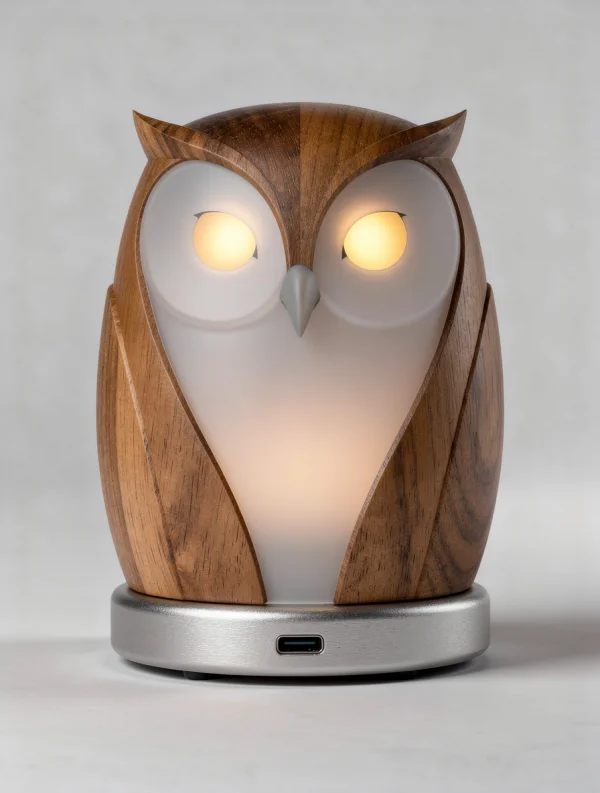
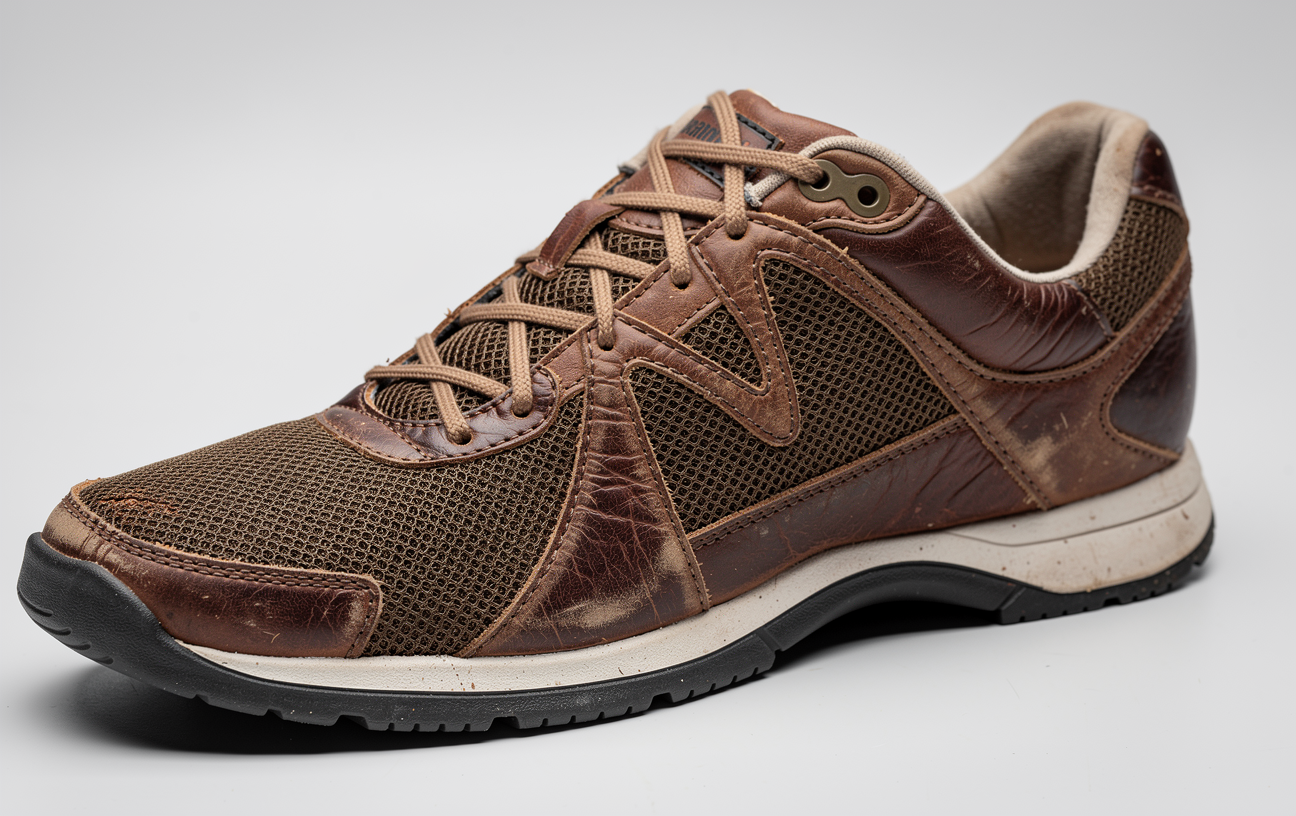
Improvise actual product
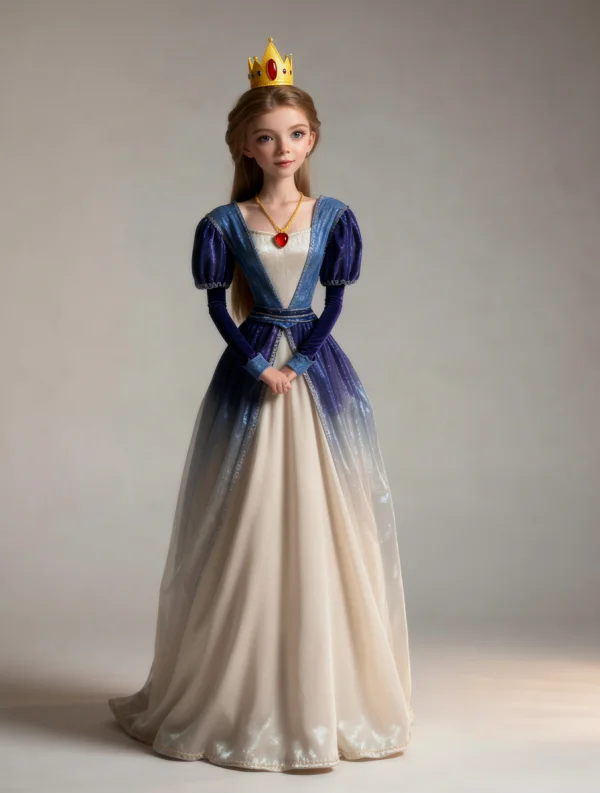
no prompt provided
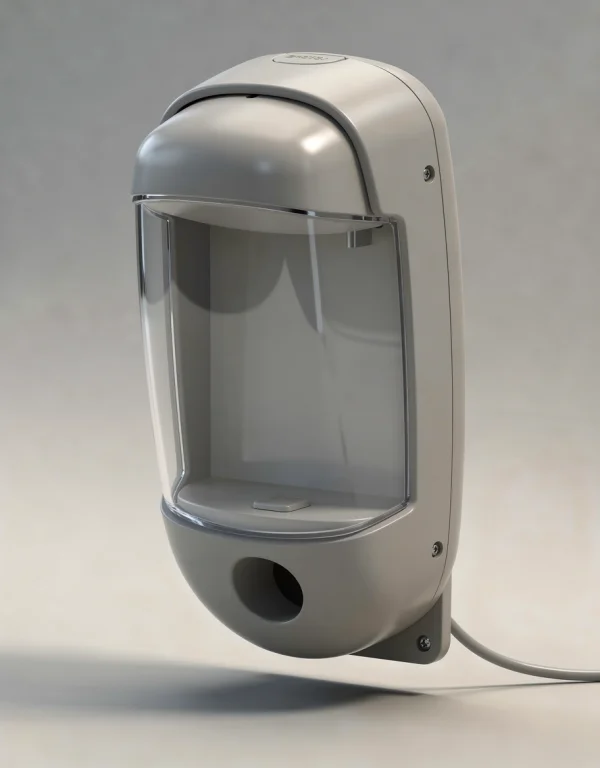
industrial design product
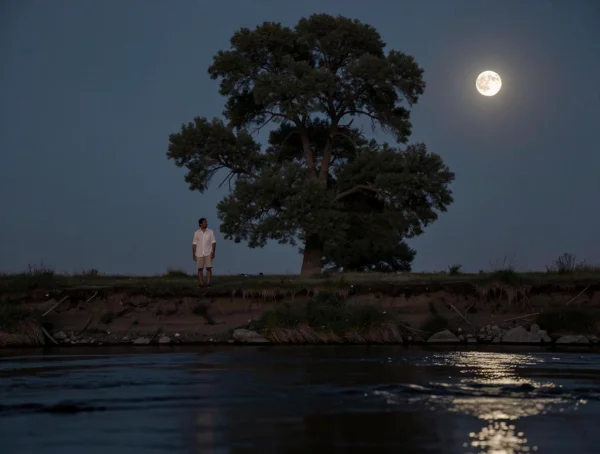
no prompt provided
FAQ
Frequently Asked Questions
Bring precision to your creative workflow.
Join thousands of designers, architects, and creators transforming raw sketches into photorealistic images and cinematic video.