Draw3D Tutorials
Step-by-step video workflows to help you master sketch-to-image conversion, 3D blockout shading, and cinematic motion directing.
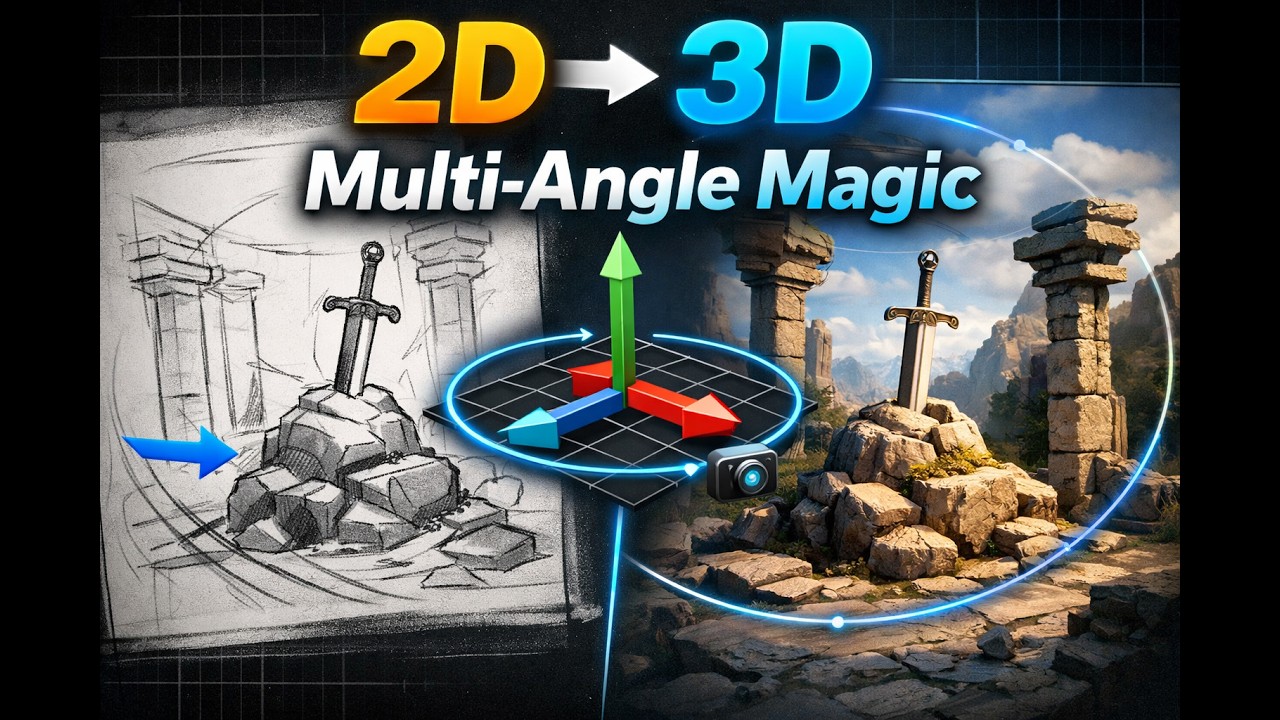
Reference-Guided 3D Generation with Multi-Angle Capture
This tutorial demonstrates how Draw3D transforms reference inputs into structured 3D scenes using reference-guided generation. It covers how to build and control 3D objects with spatial accuracy while maintaining consistency across multiple camera angles. The video walks through setting up reference-based inputs, positioning and tagging objects, preserving multi-view consistency, and generating structured outputs from different perspectives to achieve more accurate and realistic 3D scenes.
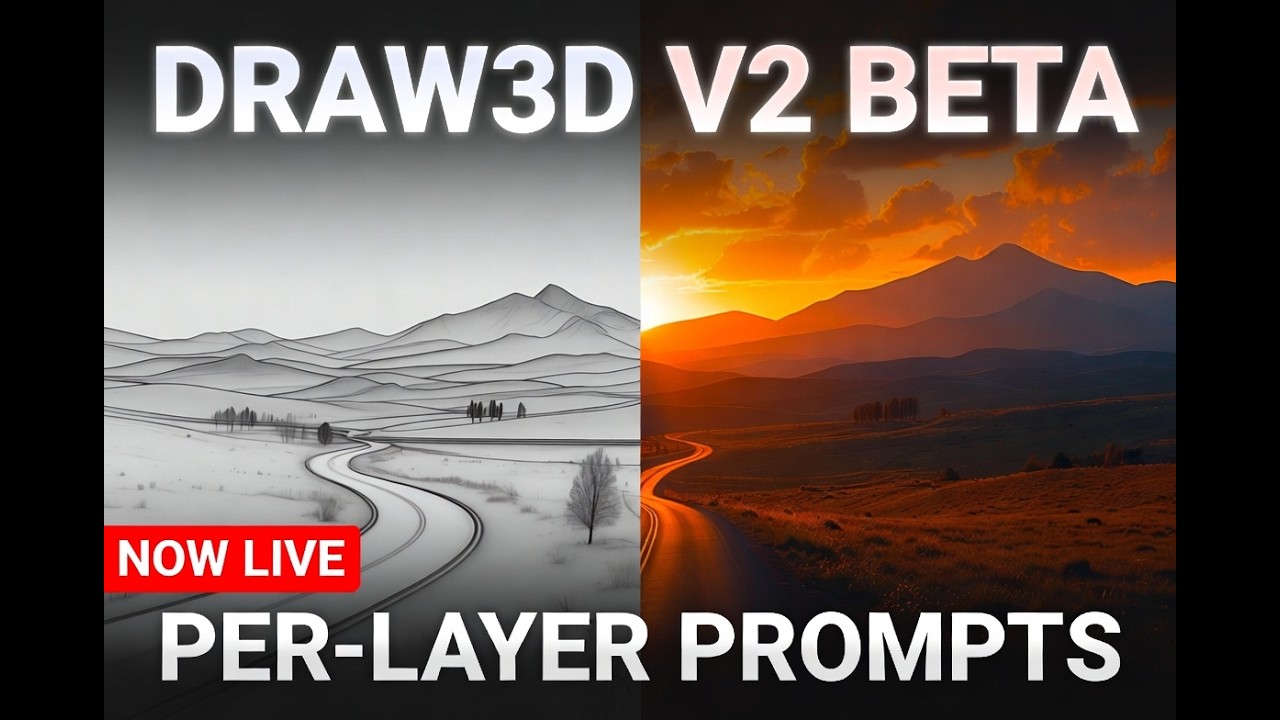
Per-Layer Text Prompts
We’re excited to introduce the biggest update yet to Draw3D — Per-Layer Prompting. This powerful new feature gives you precise creative control by allowing you to: Draw your scene on separate layers Add a unique text prompt to each individual layer Generate photorealistic images that perfectly combine your sketch and instructions
Ready to build your next visual?
Take your new skills into the Draw3D workspace and start creating production visuals today.