2D Art Evolution
From Doodle to
Masterpiece
The most natural way to use AI. Don't waste hours engineering text prompts. Just draw what you mean, and let Draw3D handle the light, texture, and detail.
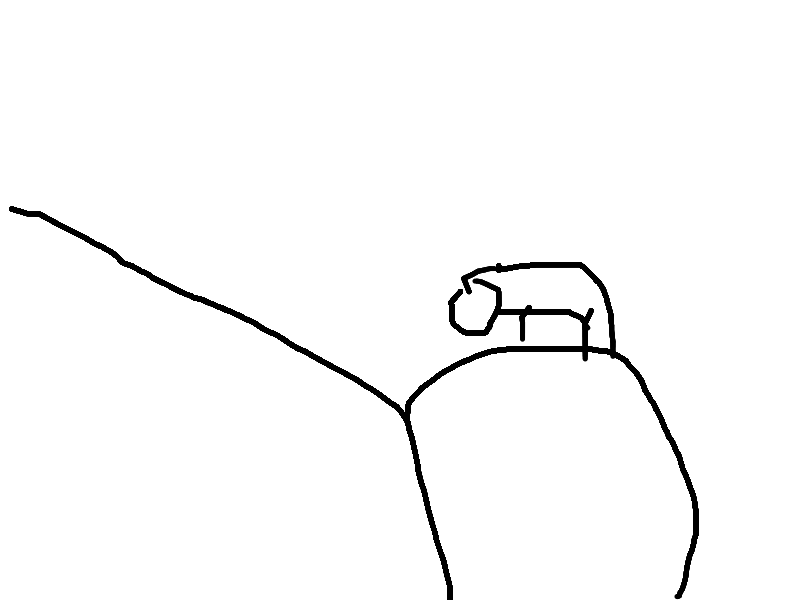
Original Sketch
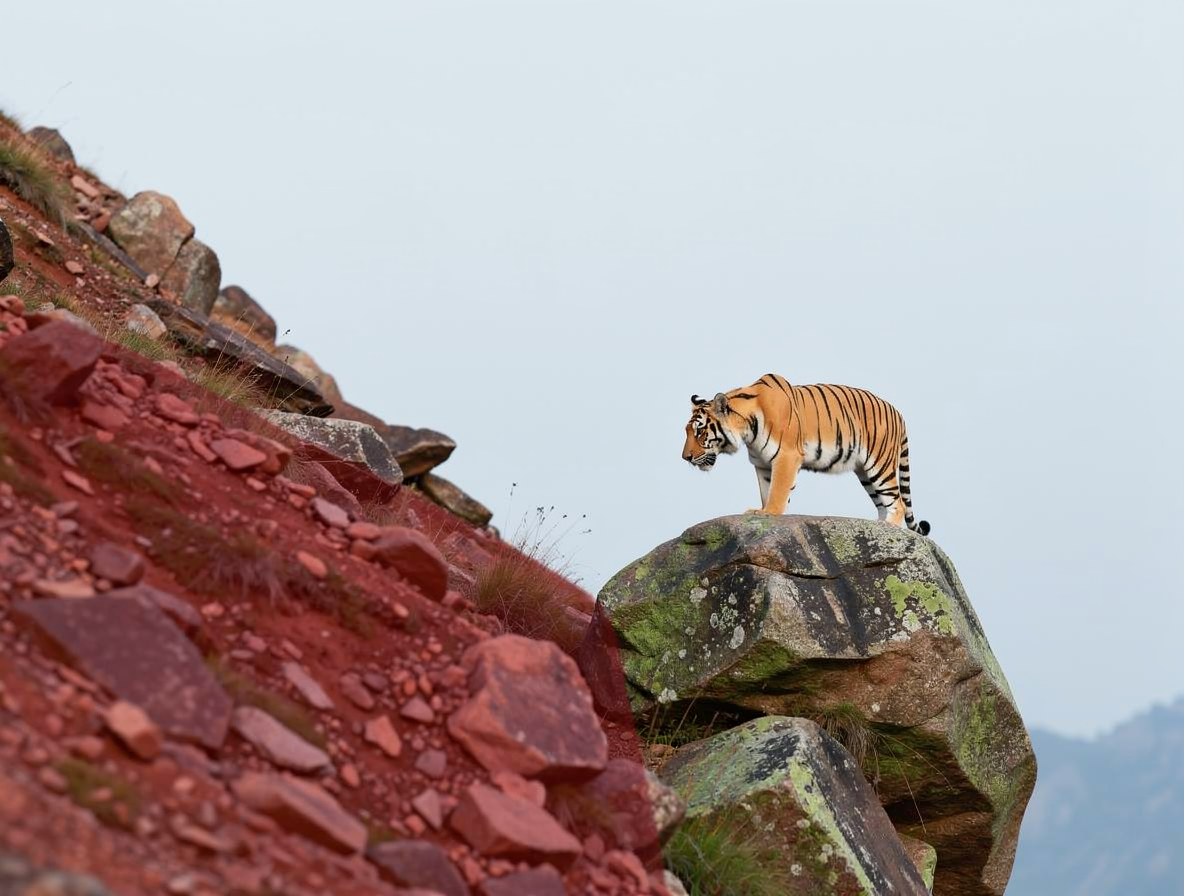
AI Rendered
Neural rendering in progress
The 3-Step Workflow
Rough Sketch
Draw your basic vision with simple strokes. Our canvas supports touch and pressure sensitivity.
Annotate
Label objects like 'cloud', 'mountain', or 'character' to guide the AI with precision.
Render
Choose a style and click generate to get a photorealistic result in under 5 seconds.
Better control over
your creative output
-
No complex prompting required. Your drawing is the prompt.
-
Real-time feedback for rapid iteration.
-
Support for multiple styles: Photoreal, Anime, Oil Painting, and more.
-
High-fidelity rendering that respects your spatial layout.
🚀
10x Faster
Than traditional workflows
Ready to Create?
Stop wrestling with prompts. Start drawing your vision and let AI handle the heavy lifting.