Best AI Tools for Sketch to Image & Architectural Render in 2026: 7 Competitors Tested & Ranked
We tested the 7 leading AI sketch-to-render and architectural visualization tools on the exact same design pipeline. Here is our transparent 10-point scoring rubric, comparison table, and deep-dive review.
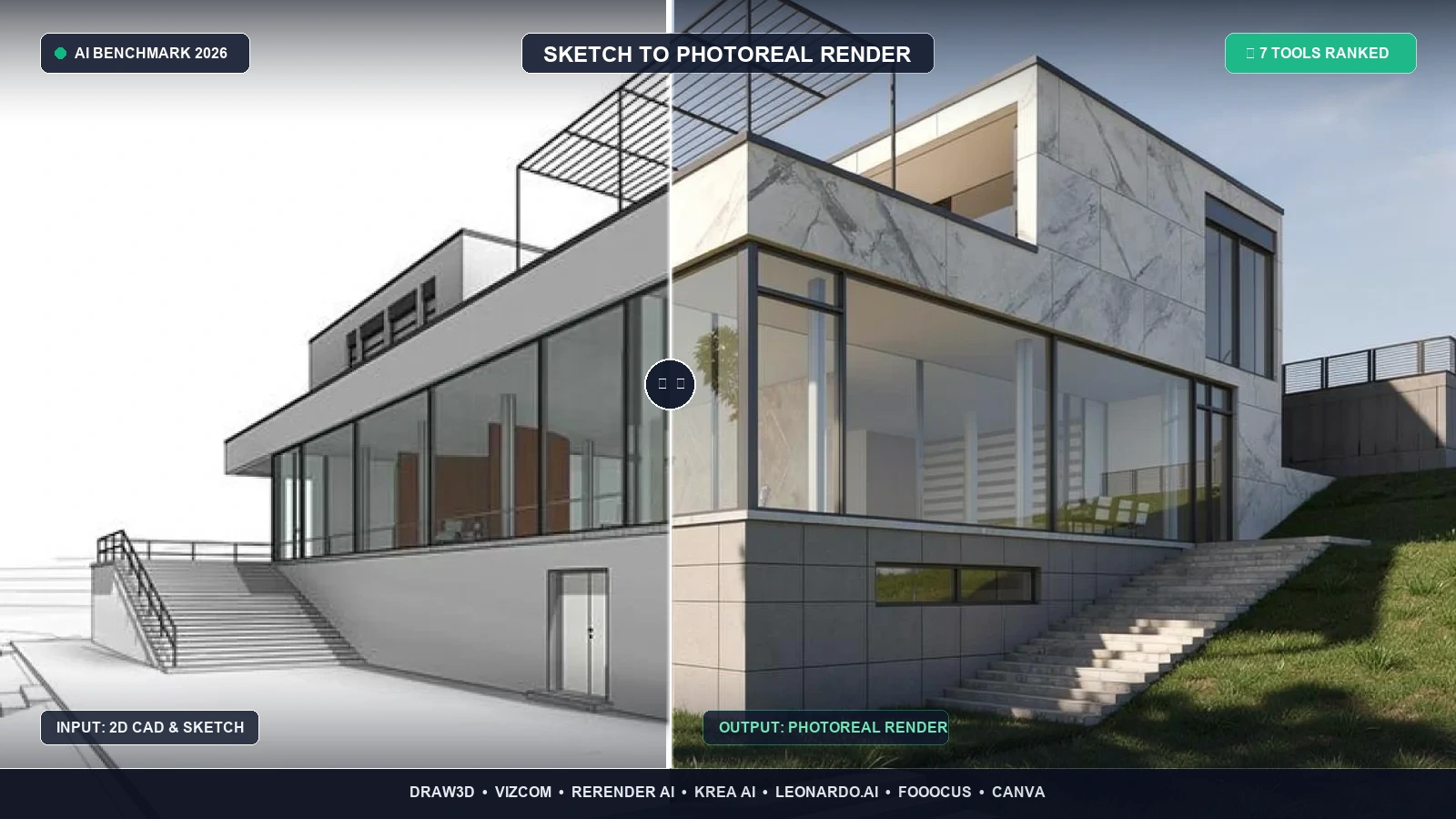
If you have ever asked a generic AI like Midjourney or DALL-E to "render a modern villa from this line drawing," you already know the heartbreak. You receive a visually arresting image—that looks virtually nothing like your sketch. Wall angles vanish, window mullions morph, structural columns drift into thin air, and the camera perspective rotates at will.
For architects, interior designers, and concept artists, uncontrolled AI generation is a failure. A client does not approve a specific blueprint or silhouette so that an algorithm can replace their design with something completely different.
In 2026, the AI design landscape has fundamentally split into two camps:
- Generic Image Synthesizers: Prompt-driven models that treat input sketches merely as loose color moodboards.
- True Geometric Sketch-to-Render Engines: Dedicated platforms equipped with edge-detection, spatial awareness, ControlNet integration, and localized inpainting that preserve line weight, perspective, and structural massing while applying realistic materials, daylighting, and textures.
To find out which platforms deliver genuine professional utility versus marketing hype, we benchmarked the 7 leading sketch-to-render and architectural visualization tools against an objective 10-point scoring rubric.
How We Scored Them (10-Point Objective Rubric)
Every tool was benchmarked on the exact same design pipeline—ranging from quick freehand ink sketches to 3D clay blockouts. We scored each platform across five distinct criteria, each weighted at 2.0 points maximum for an overall score out of 10.0:
- 1. Line & Geometry Fidelity (0 – 2.0 pts): Does the engine lock onto the uploaded sketch, CAD line art, or 3D clay massing without drifting or hallucinating impossible geometry?
- 2. Local Inpainting & Editing Precision (0 – 2.0 pts): Can you brush over a mistake, change a single material (e.g., swap brick for timber), or guide specific zones without re-rolling the entire image?
- 3. Photorealism & Physical Lighting (0 – 2.0 pts): Are textures (timber grain, architectural glass, concrete, specular metal) crisp and physically plausible, or muddy and AI-smeared?
- 4. Workflow & Multi-Format Versatility (0 – 2.0 pts): Does the tool handle pencil sketches, CAD wireframes, SketchUp/Blender 3D blockouts, Revit BIM exports, and motion/video?
- 5. Transparent Pricing & Free Tier Value (0 – 2.0 pts): Can professionals test the engine with usable resolution without hidden paywalls, watermark traps, or predatory credit-card-only trial traps?
The Ranking at a Glance
| # | Tool | Overall Score | Line Fidelity (max 2.0) |
Inpainting (max 2.0) |
Photorealism (max 2.0) |
Workflow (max 2.0) |
Pricing (max 2.0) |
Best For |
|---|---|---|---|---|---|---|---|---|
| 1 |
Draw3D
Top Pick
|
9.5 / 10 | 2.0 | 2.0 | 2.0 | 2.0 | 1.5 | Architects, Interior Designers & 3D Clay Blockouts |
| 2 | Vizcom | 8.5 / 10 | 2.0 | 1.5 | 2.0 | 1.5 | 1.5 | Industrial, Automotive & Consumer Footwear Styling |
| 3 | Rerender AI | 7.8 / 10 | 2.0 | 1.0 | 1.8 | 1.5 | 1.5 | SketchUp, Revit & Rhino 3D Clay Wireframes |
| 4 | Krea AI | 7.4 / 10 | 1.3 | 1.5 | 1.6 | 1.5 | 1.5 | Real-Time Canvas Ideation & Live Moodboarding |
| 5 | Leonardo.ai | 7.0 / 10 | 1.4 | 1.6 | 1.5 | 1.5 | 1.0 | Stylized Concept Art & Video Game Assets |
| 6 | Fooocus | 6.8 / 10 | 1.8 | 1.5 | 1.7 | 0.8 | 1.0 | Dedicated Workstation Users with Nvidia GPUs |
| 7 | Canva Magic Media | 5.2 / 10 | 0.8 | 1.2 | 1.0 | 1.2 | 1.0 | Marketing Presentations & Casual Doodles |
1. Draw3D — Score: 9.5 / 10 (Winner)
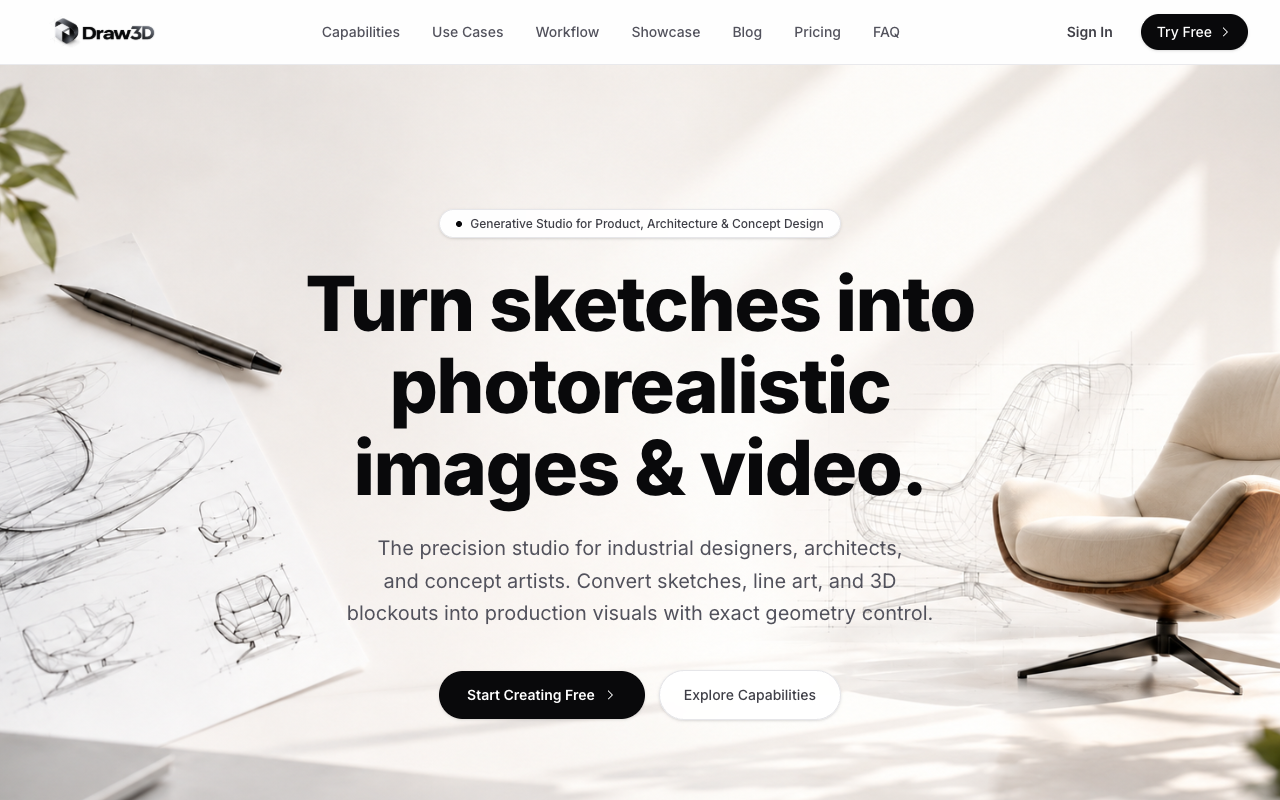
Pricing: Free test generation available; Pro plans starting at $19/month without restrictive credit cliffs. Line Fidelity: 2.0, Inpainting & Control: 2.0, Photorealism: 2.0, Workflow: 2.0, Pricing: 1.5.
Draw3D was engineered from the ground up to solve the geometry drift problem. Whether starting from a loose pen-and-paper sketch, an architectural floor plan, a SketchUp clay blockout, or a BIM Revit perspective, Draw3D locks onto structural boundaries with military precision.
What truly sets Draw3D apart from every other tool on this list is its in-context inpainting canvas. Instead of having to re-roll an entire image when a single material is slightly off, you simply brush over the target area (such as changing an oak cabinet to fluted marble or replacing an aluminum window frame with matte black steel) and regenerate that zone in complete harmony with the ambient lighting. Combined with its native storyboard-to-video pipeline, Draw3D is the most complete end-to-end rendering suite on the market.
Where it shines:
- Rock-solid geometry preservation: lines, angles, and horizons do not distort.
- Full architectural and interior pipeline: supports sketches, CAD wireframes, SketchUp, Blender, and Revit.
- Precision inpainting: edit localized materials without disturbing the rest of the render.
- Commercial usage rights included automatically on all active plans.
Where it loses: Multi-pass prompt weighting requires a few minutes of experimentation for first-time creators.
2. Vizcom — Score: 8.5 / 10
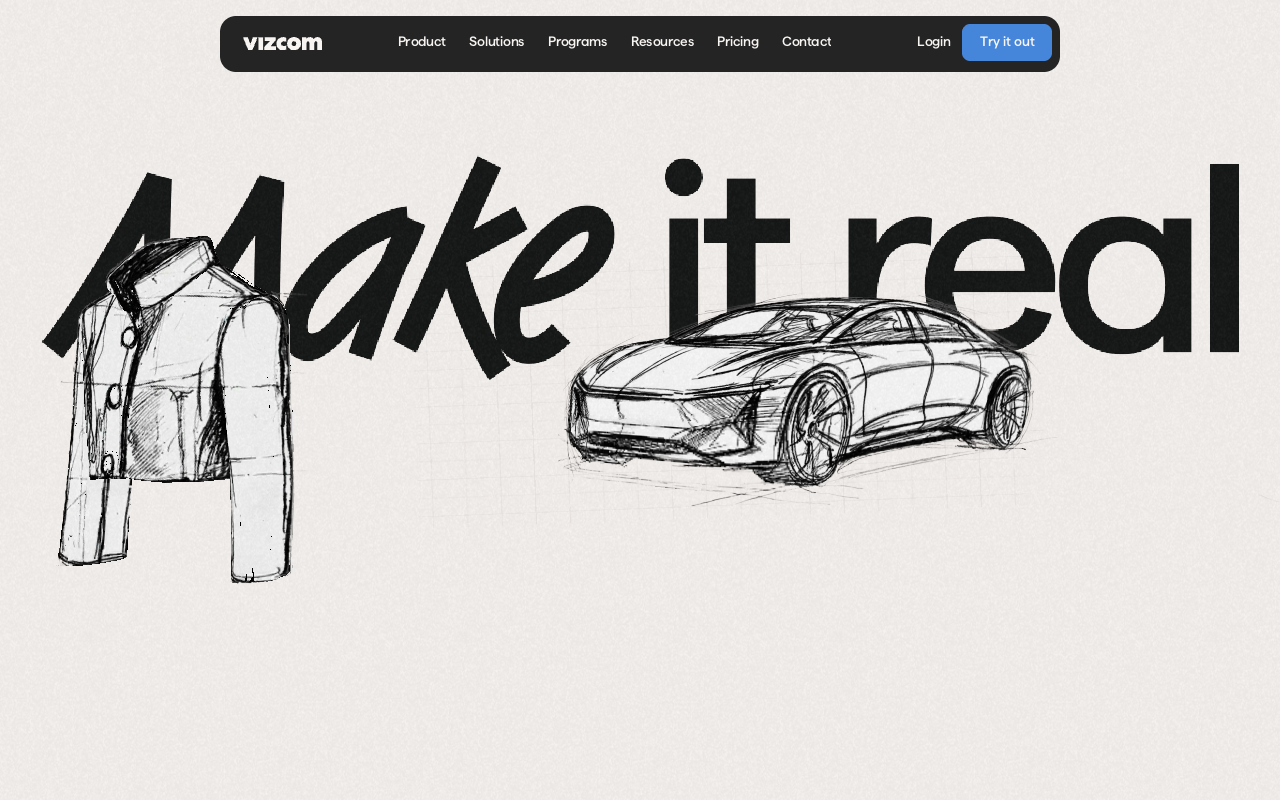
Pricing: Free tier with watermarked/limited resolution exports; Professional plans start at $49/month. Line Fidelity: 2.0, Inpainting & Control: 1.5, Photorealism: 2.0, Workflow: 1.5, Pricing: 1.5.
Vizcom is the gold standard for industrial product stylists, automotive designers, and footwear illustrators. Its stroke-retention engine handles high-contrast line work with incredible nuance, applying hard-surface materials like injection-molded plastics, brushed titanium, polished carbon fiber, and textured leather stitching with tactile authenticity.
Where it shines: Unmatched rendering of industrial materials, reflections, and studio lighting setups for hard-surface concept design.
Where it loses: Its models are strongly biased toward studio product shots. When fed multi-story architectural CAD elevations or complex landscape designs, it frequently misinterprets structural logic. The $49/month price point is also relatively high for individual freelancers.
3. Rerender AI — Score: 7.8 / 10
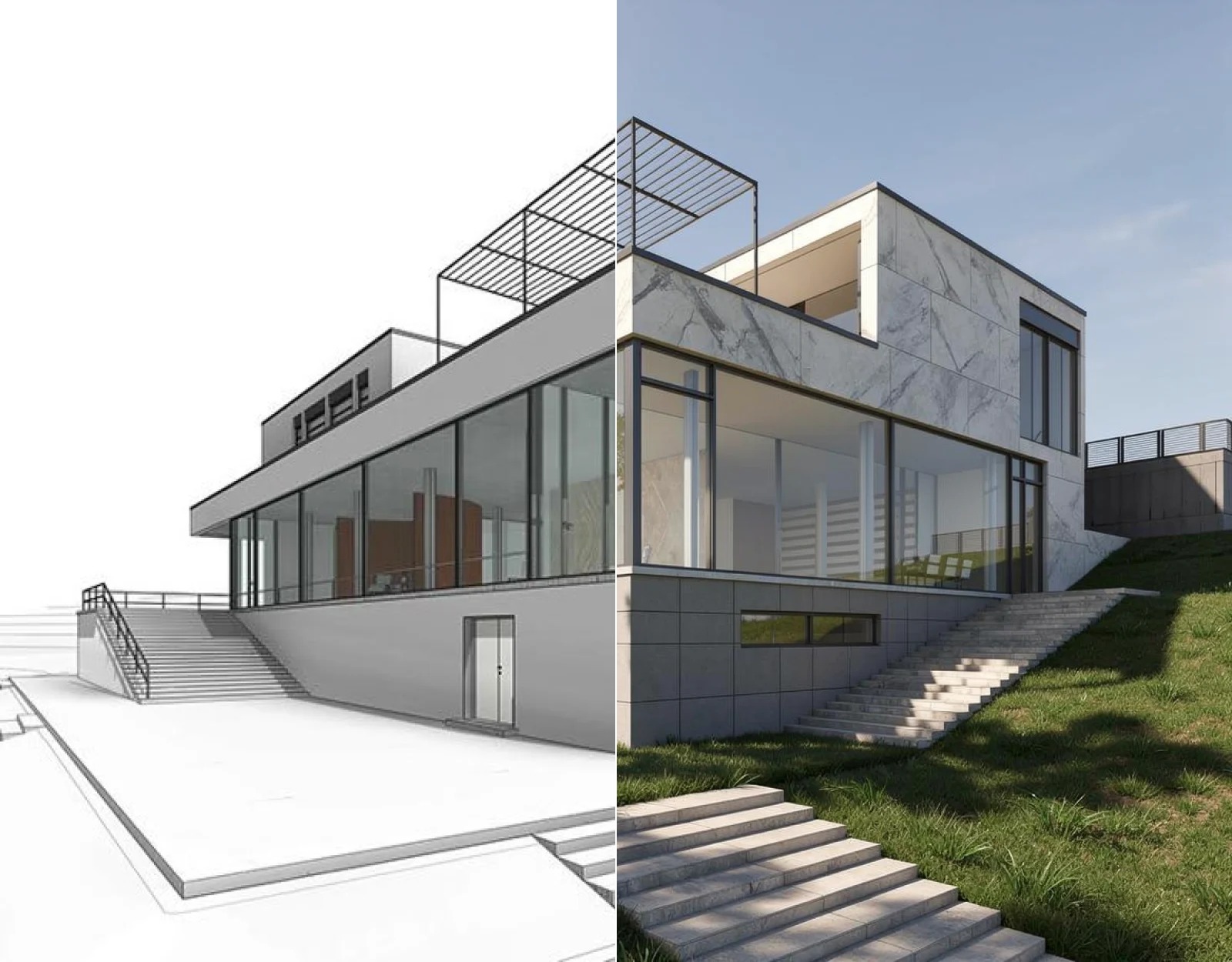
Pricing: Evaluation renders available; paid subscription tiers range from $29 to $79/month. Line Fidelity: 2.0, Inpainting & Control: 1.0, Photorealism: 1.8, Workflow: 1.5, Pricing: 1.5.
Rerender AI focuses specifically on the architectural space. It thrives when processing untextured clay blockouts exported from SketchUp, Rhino, Revit, or AutoCAD. With over 50 architectural style presets—ranging from Japanese wabi-sabi to Brutalist raw concrete—it enables architects to quickly present multiple aesthetic directions to clients.
Where it shines: Excellent handling of raw 3D massings, realistic skyboxes, and exterior landscaping foliage.
Where it loses: Extremely limited local editing. Rerender AI functions as an "all-or-nothing" generator: if you want to alter a single front door or balcony rail, you have to re-render the entire perspective, usually sacrificing the rest of the composition.
4. Krea AI — Score: 7.4 / 10
Pricing: Free daily basic generations; Pro plan starts at $30/month. Line Fidelity: 1.3, Inpainting & Control: 1.5, Photorealism: 1.6, Workflow: 1.5, Pricing: 1.5.
Krea popularized the split-screen real-time generation experience: as you draw shapes and apply color brush strokes on the left panel, the right panel updates the photorealistic render in under 500 milliseconds. This near-zero latency makes Krea unmatched for rapid creative brainstorming and live client ideation.
Where it shines: Instantaneous visual feedback during live meetings or early concept exploration.
Where it loses: Real-time speed requires trade-offs in structural accuracy. Fine line drawings frequently get distorted: parallel architectural lines bow, door frames warp, and detailed CAD geometry gets smoothed into impressionistic art.
5. Leonardo.ai — Score: 7.0 / 10
Pricing: 150 daily free tokens; paid subscriptions start at $12/month. Line Fidelity: 1.4, Inpainting & Control: 1.6, Photorealism: 1.5, Workflow: 1.5, Pricing: 1.0.
Leonardo.ai is one of the most versatile browser-based creative suites. For sketch workflows, Leonardo provides an AI Canvas feature with ControlNet edge-detection (Canny and Depth map guidance). For game asset creators, digital illustrators, and concept artists, its foundation models produce striking, cinematic visuals.
Where it shines: Deep library of stylized models, excellent inpainting canvas, and strong community LoRA support.
Where it loses: Leonardo is fundamentally trained for fantasy and entertainment art. Producing clean, un-stylized commercial architectural renders requires fighting against dramatic lighting presets, cinematic blooms, and exaggerated video game shaders.
6. Fooocus (Open Source) — Score: 6.8 / 10
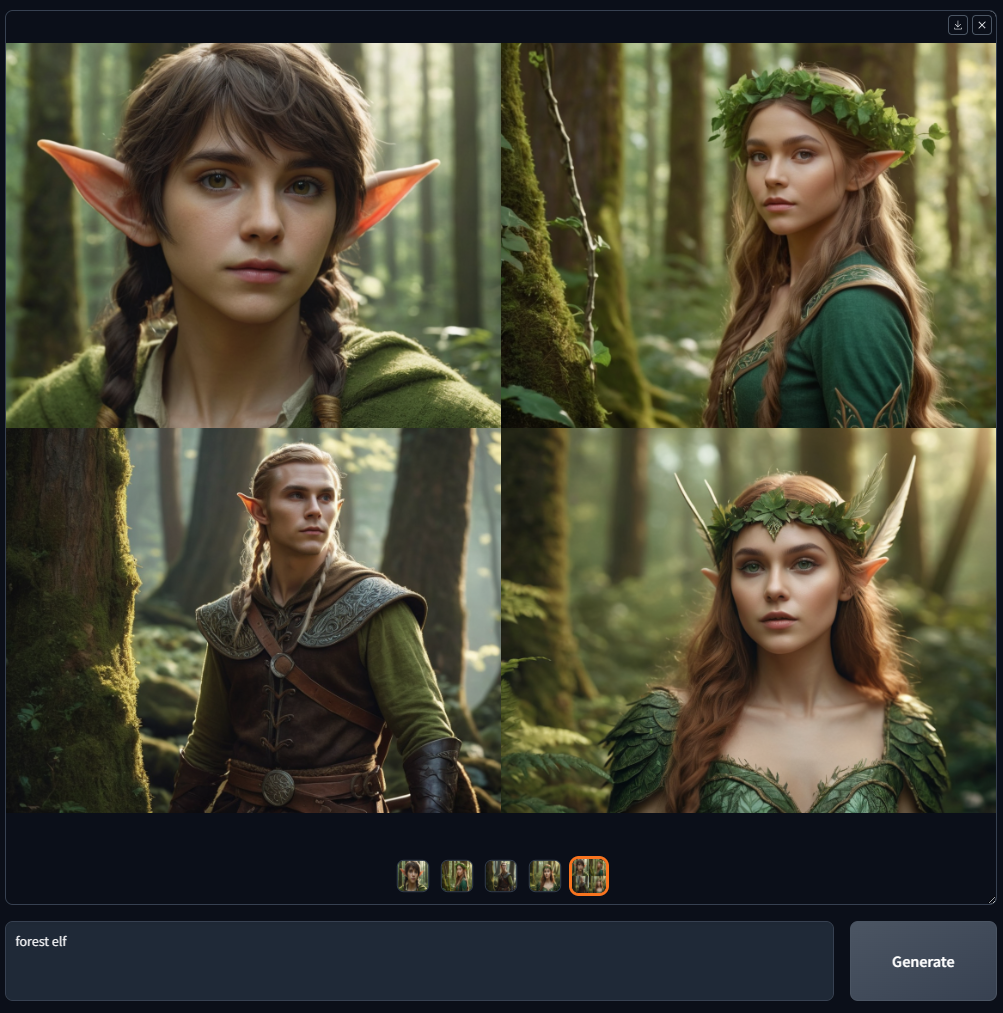
Pricing: 100% Free and Open Source (GPL v3). Line Fidelity: 1.8, Inpainting & Control: 1.5, Photorealism: 1.7, Workflow: 0.8, Pricing: 1.0.
Fooocus takes the complex pipeline of Stable Diffusion XL and ControlNet and wraps it into a clean, minimalist web interface. Because it executes entirely locally on your own machine, you enjoy absolute data privacy (no client drawings uploaded to third-party clouds) and zero ongoing subscription costs.
Where it shines: Zero subscription fees, total offline data sovereignty, and unconstrained control over community checkpoints.
Where it loses: Steep hardware barrier. Requires an Nvidia GPU with at least 8GB to 12GB of VRAM and roughly 15GB to 25GB of disk space. Zero mobile access, no cloud collaboration, and zero commercial tech support.
7. Canva Magic Media — Score: 5.2 / 10
Pricing: Included in Canva Free (limited credits) and Canva Pro ($15/month). Line Fidelity: 0.8, Inpainting & Control: 1.2, Photorealism: 1.0, Workflow: 1.2, Pricing: 1.0.
For content creators, marketers, and teachers who do not use specialized design software, Canva built-in Magic Media tool provides an approachable sketch-to-image converter right inside your presentation or document canvas.
Where it shines: Supreme convenience for existing Canva subscribers needing a quick decorative visual for a pitch deck.
Where it loses: Not suitable for professional design work. Lacks architectural ControlNet guidance, meaning it treats input sketches as loose doodles rather than strict line art. Resolutions are limited and perspective accuracy is weak.
Pricing & Free Tier Comparison
| Tool | Free Allowance | Entry Paid Plan | Card Required? | Commercial Rights on Free? |
|---|---|---|---|---|
|
Draw3D
Top Pick
|
Sample test renders | $19 / month | No | Yes (Full ownership on paid plans) |
| Vizcom | Unlimited low-res drafts | $49 / month | No | Non-commercial evaluation only |
| Rerender AI | Limited trial renders | $29 / month | Yes | Paid subscription tiers only |
| Krea AI | Daily generation allowance | $30 / month | No | Yes |
| Leonardo.ai | 150 daily tokens | $12 / month | No | Limited commercial license |
| Fooocus | Unlimited (Self-Hosted) | Free (Open Source) | No | 100% Free commercial use |
| Canva Magic Media | 50 lifetime credits | $15 / month | No | Yes |
How to Turn a Rough Sketch into a Commercial Photoreal Render
Achieving consistent, client-ready renders requires following four core rules of geometric guidance:
- Use High-Contrast Line Art: Whether drawing with an iPad stylus or exporting wireframes from CAD, keep your lines crisp and dark against a neutral background. Clear edge boundaries give the model unambiguous structural anchors.
- Prompt for Physical Materials, Not Moods: Instead of prompting "a luxury modern living room", specify exact tangible surfaces: "matte poured concrete floor, slatted walnut timber accent wall, floor-to-ceiling double-glazed black aluminum window frames, indirect warm 3000K recessed ceiling cove lighting."
- Calibrate Structural Fidelity (70%–85%): Setting edge fidelity below 60% causes the AI to invent new doorways or balconies; setting it to 100% prevents the neural network from generating realistic ambient bounce light and soft contact shadows. The sweet spot for realistic renders is 75% to 80%.
- Refine with Selective Inpainting: Never discard a render that is 90% perfect. Use Draw3D's brush tool to isolate the imperfect region (e.g., swapping a countertop from quartz to butcher block) and re-render that zone alone.
Frequently Asked Questions
Which AI tool is best for turning hand-drawn sketches into architectural renders?
Draw3D ranks #1 for architectural sketching. Its models are specifically calibrated on perspective drawings, floor plans, and 3D massing geometries, ensuring that walls, window apertures, and structural heights remain accurate to the original sketch without warping.
Can I render directly from SketchUp, Revit, or Blender models?
Yes. Both Draw3D and Rerender AI natively support clay blockouts and viewport exports from SketchUp, Revit, Rhino, and Blender. You can import raw untextured white clay geometry, and the AI will apply photorealistic materials, daylighting, and environments in seconds.
Are generated renders cleared for commercial client deliverables?
On Draw3D, all visuals generated on active paid plans belong entirely to you with unrestricted commercial rights. Free tiers on tools like Vizcom and Leonardo impose limitations on commercial distribution.
Do I need a powerful computer with a GPU to use these tools?
Except for Fooocus (which runs locally on a dedicated Nvidia GPU), all cloud-based tools on this list—including Draw3D, Vizcom, and Krea AI—execute in the cloud. You can run them smoothly in any standard web browser on a MacBook, iPad, or Chromebook.