
How You Can Use AI for Architectural Visualizations
Learn how AI can speed up architectural visualization from sketches and raw 3D scenes to polished renders and video using Draw3D.
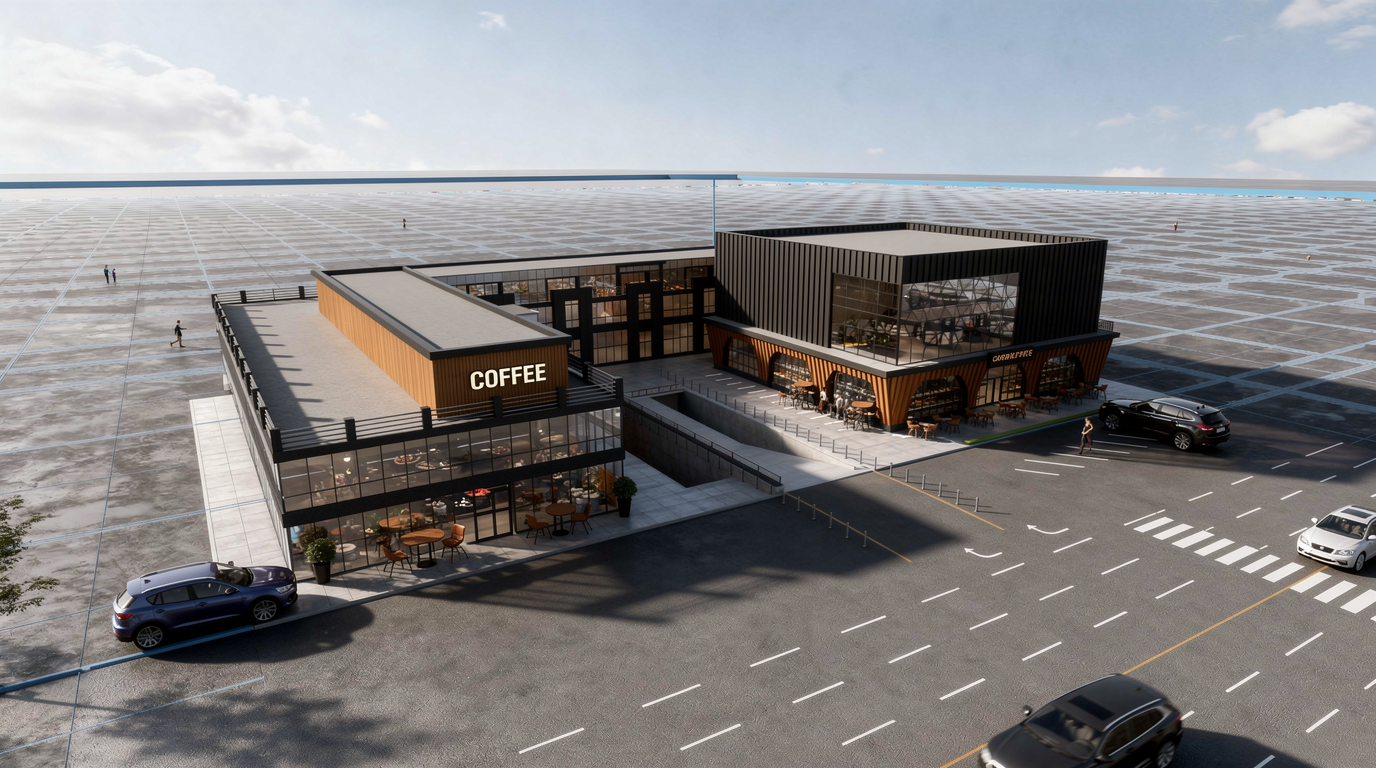
Architectural visualization used to take a lot of time, iteration, and manual rendering work. Today, AI can dramatically speed up that process. Instead of spending hours setting up materials, lighting, mood, and presentation shots, architects and designers can now turn rough ideas into high-quality visuals in just minutes.
AI is especially useful in the early concept phase, where speed matters more than perfection. You can start from a sketch, a simple 3D model, or even a raw scene with almost no textures, and generate a polished visualization that helps communicate the idea clearly to clients, teams, or stakeholders.
Start from a sketch
One of the easiest ways to do this is with Draw3D.
With Draw3D, you can upload a drawing, annotate it, and let AI transform it into a rendered architectural image. This makes it much easier to move from concept to presentation without needing a long traditional rendering workflow.
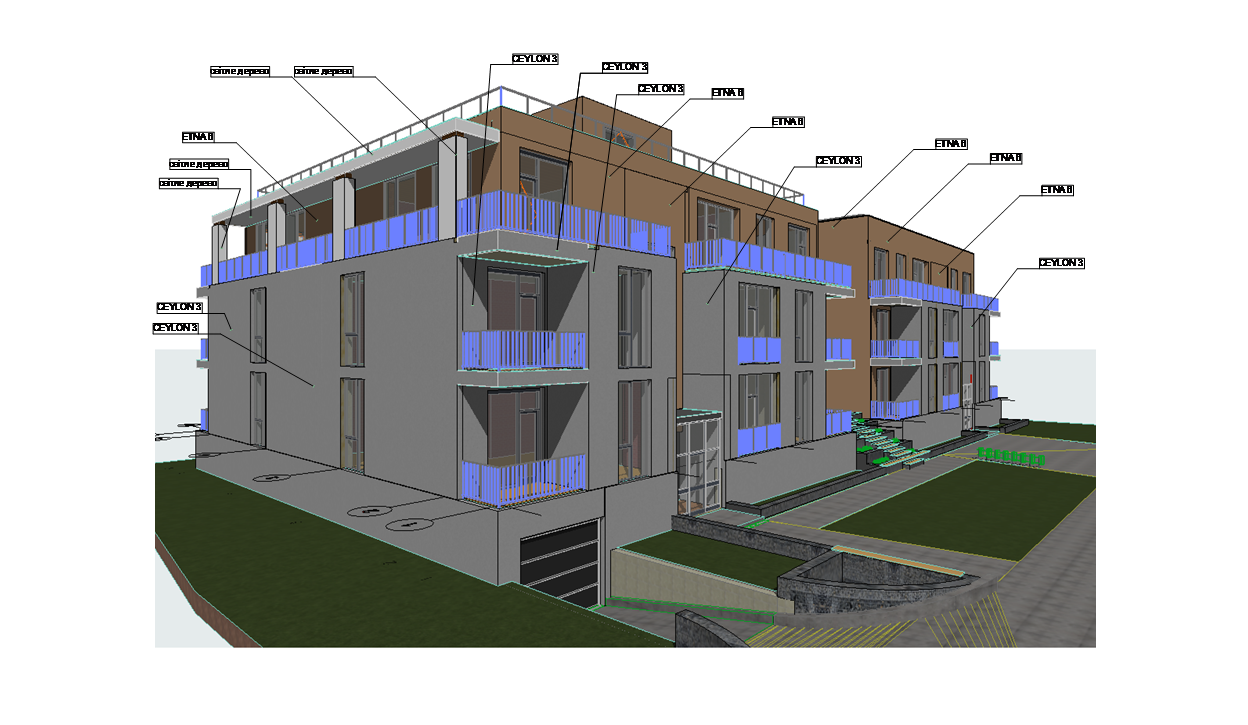
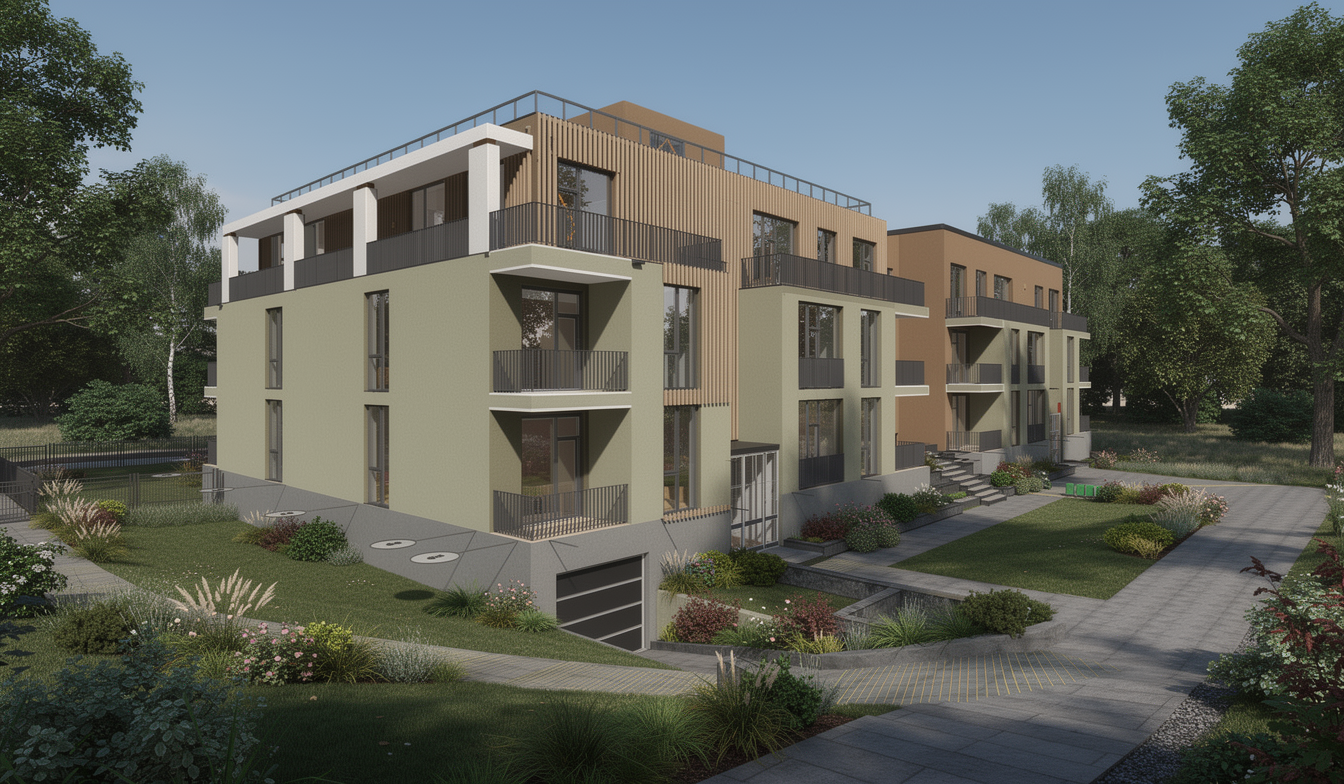
Render directly from a 3D model
But it’s not limited to drawings.
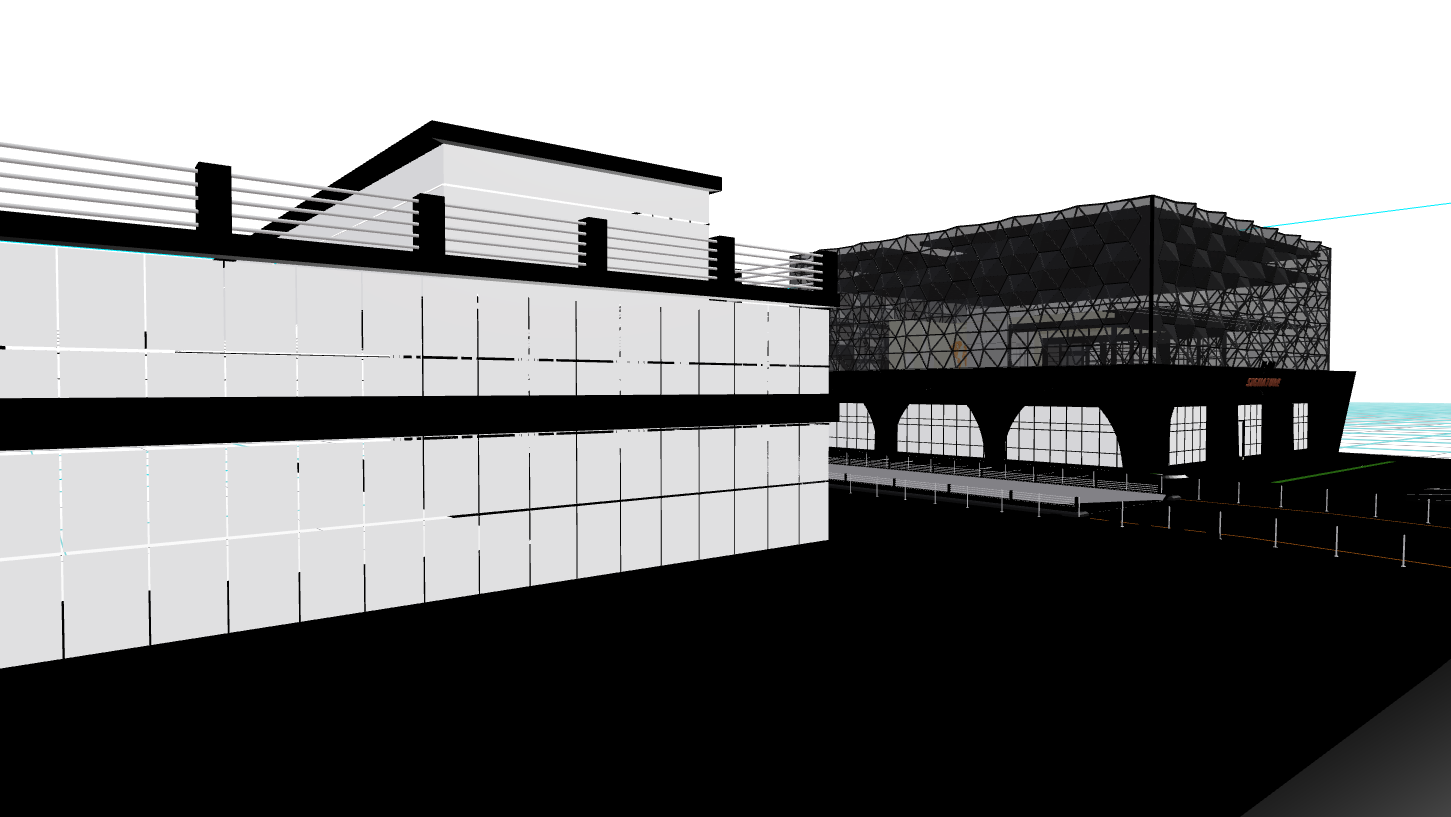
You can also directly import a 3D model or scene, apply lighting, and render it in just one click. On top of that, you can enhance the final result while rendering simply by describing what you want. That means you are not just rendering geometry, you are also shaping the visual mood, materials, atmosphere, and presentation quality with natural language.
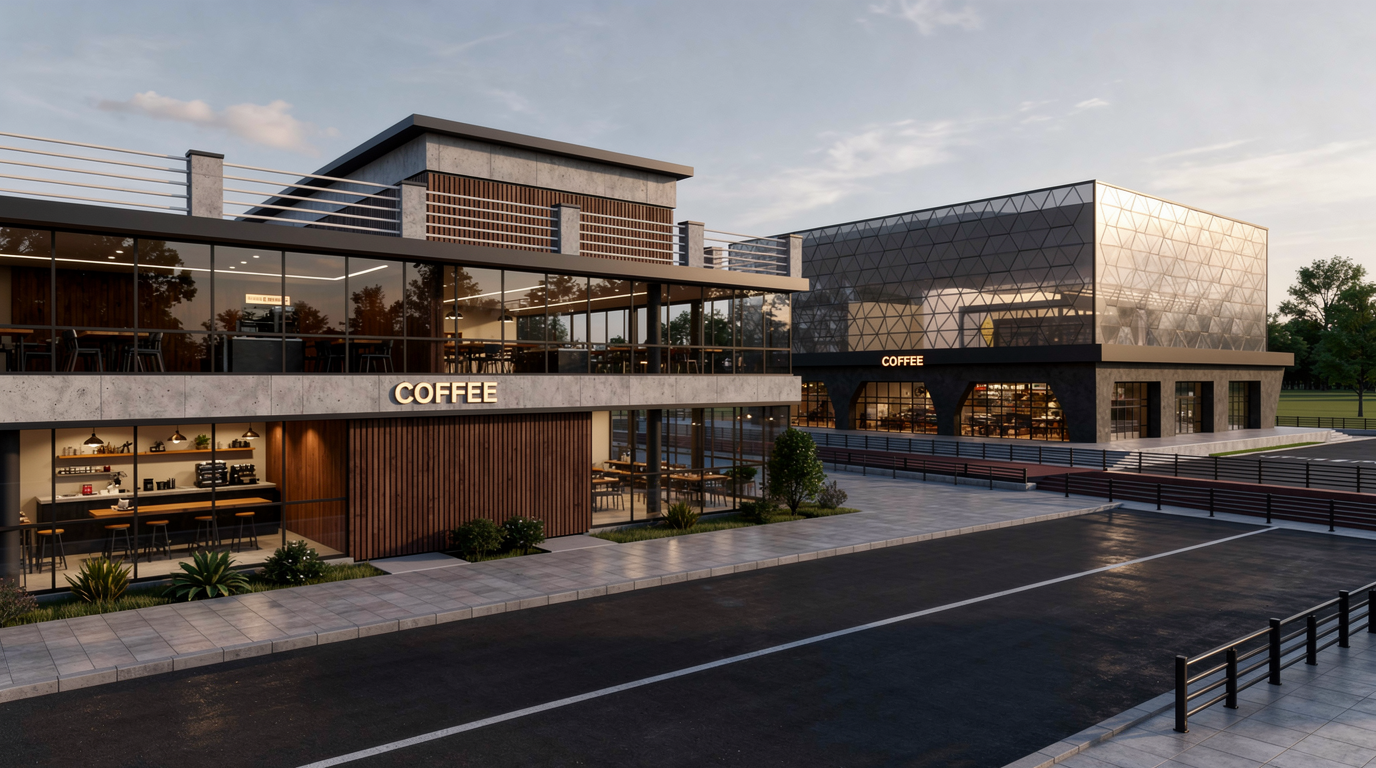
For example, let’s say you import a 3D coffee shop design. At first, the scene may have very little texture and almost no lighting.
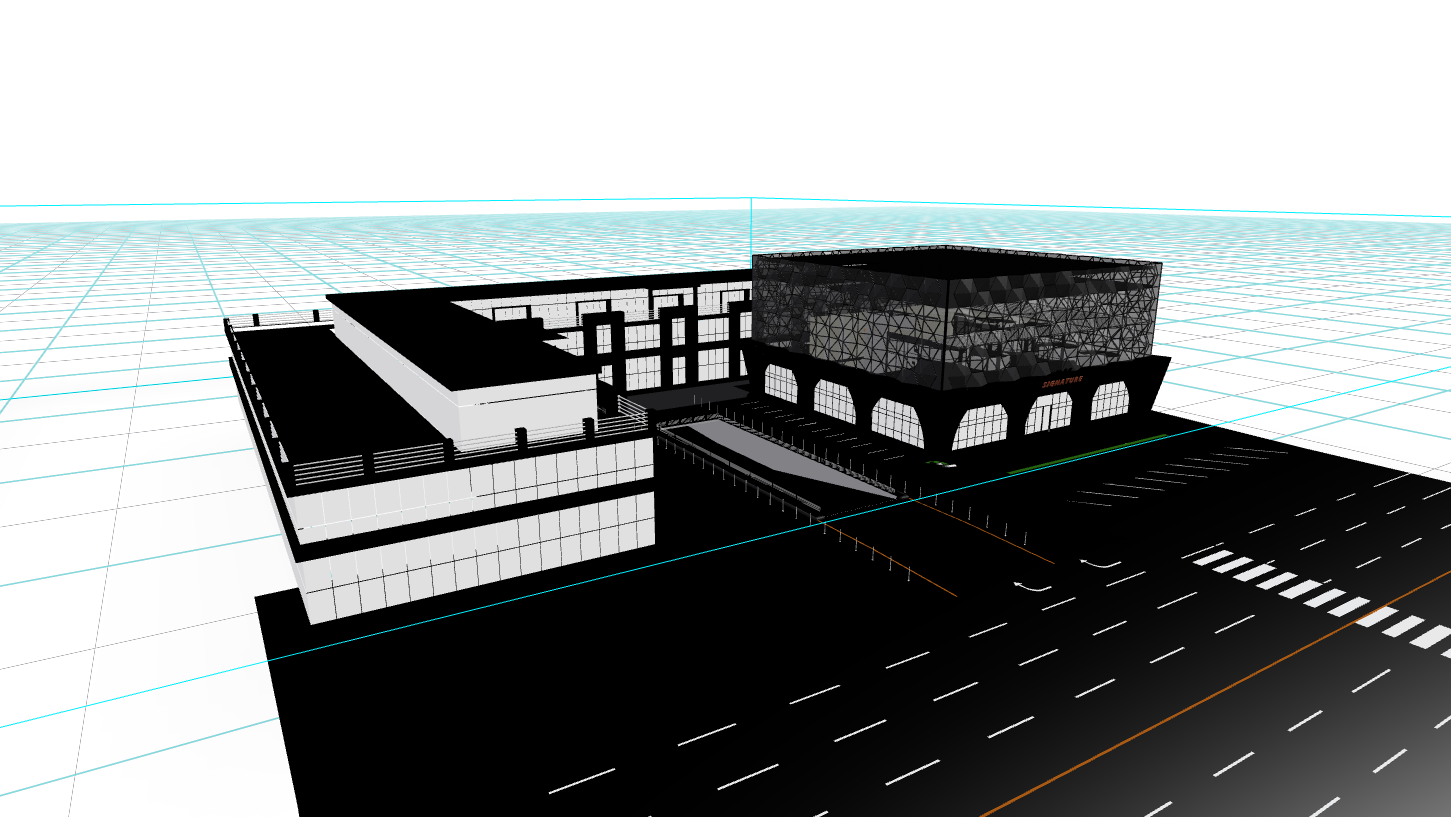
In just a few seconds, Draw3D can turn a flat and unfinished scene into a much more compelling architectural visualization.
Explore different camera angles
And that’s not all. You can also change the camera angle and configure the camera with different settings to generate alternative views of the same design. This is incredibly useful when you want to explore the space from multiple perspectives or present different compositions to a client.
Turn it into a video
What comes next after generating still images?
You can turn the result into a video in just one click, making it even easier to create presentations, social media content, or client-ready walkthroughs.
Why this matters
AI is changing how architectural visualization works. Instead of waiting until the final stages of a project to create beautiful renders, designers can now visualize ideas much earlier, iterate faster, and communicate concepts more effectively. Tools like Draw3D make that process much more accessible by letting you go from sketch, annotation, or basic 3D model to high-quality visual output with far less effort.
If you want to speed up your workflow, explore more concepts, and create better presentations in less time, AI-powered architectural visualization is becoming one of the most practical tools you can add to your process.
Further Reading
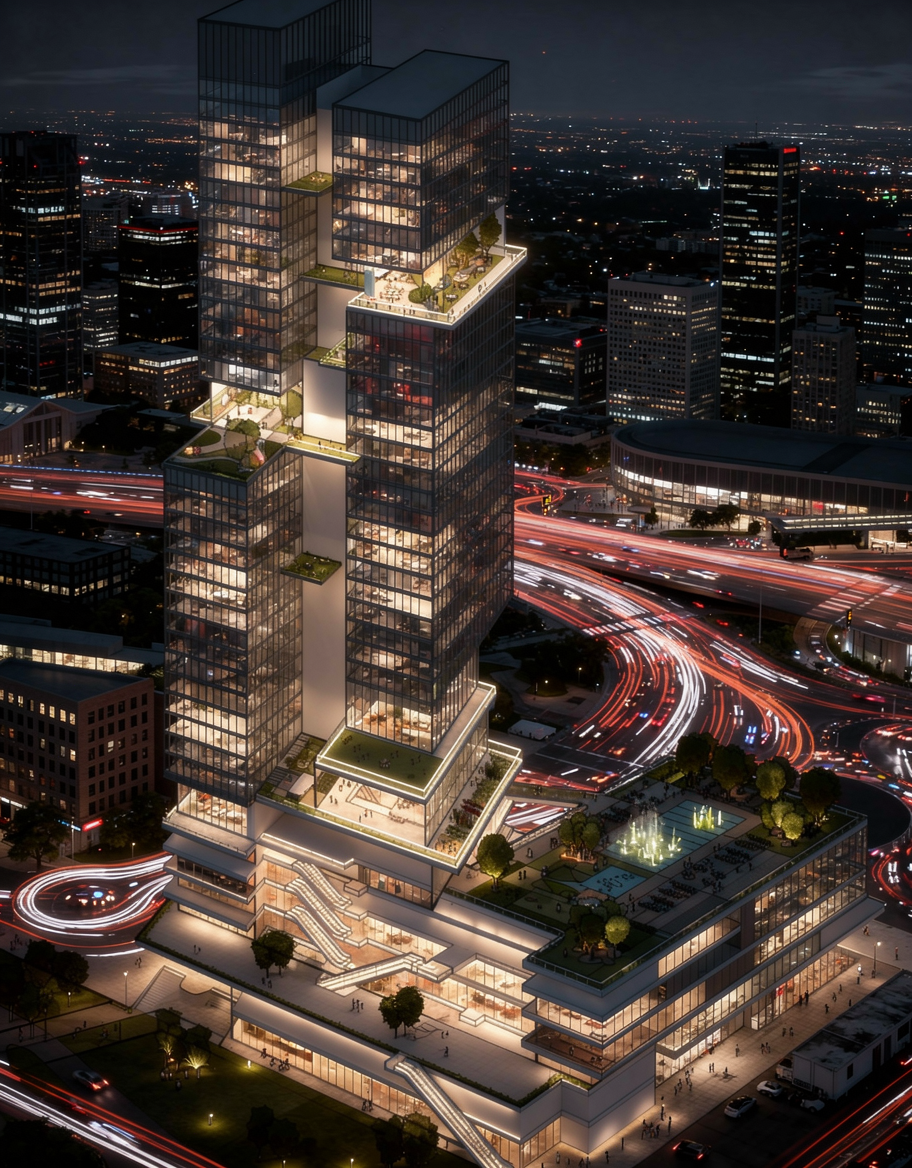
Sketch to Image AI: Turn Rough Drawings Into Realistic Renders in Seconds
Discover how sketch to image AI helps architects, designers, and creators turn rough drawings into realistic renders fast with Draw3D.
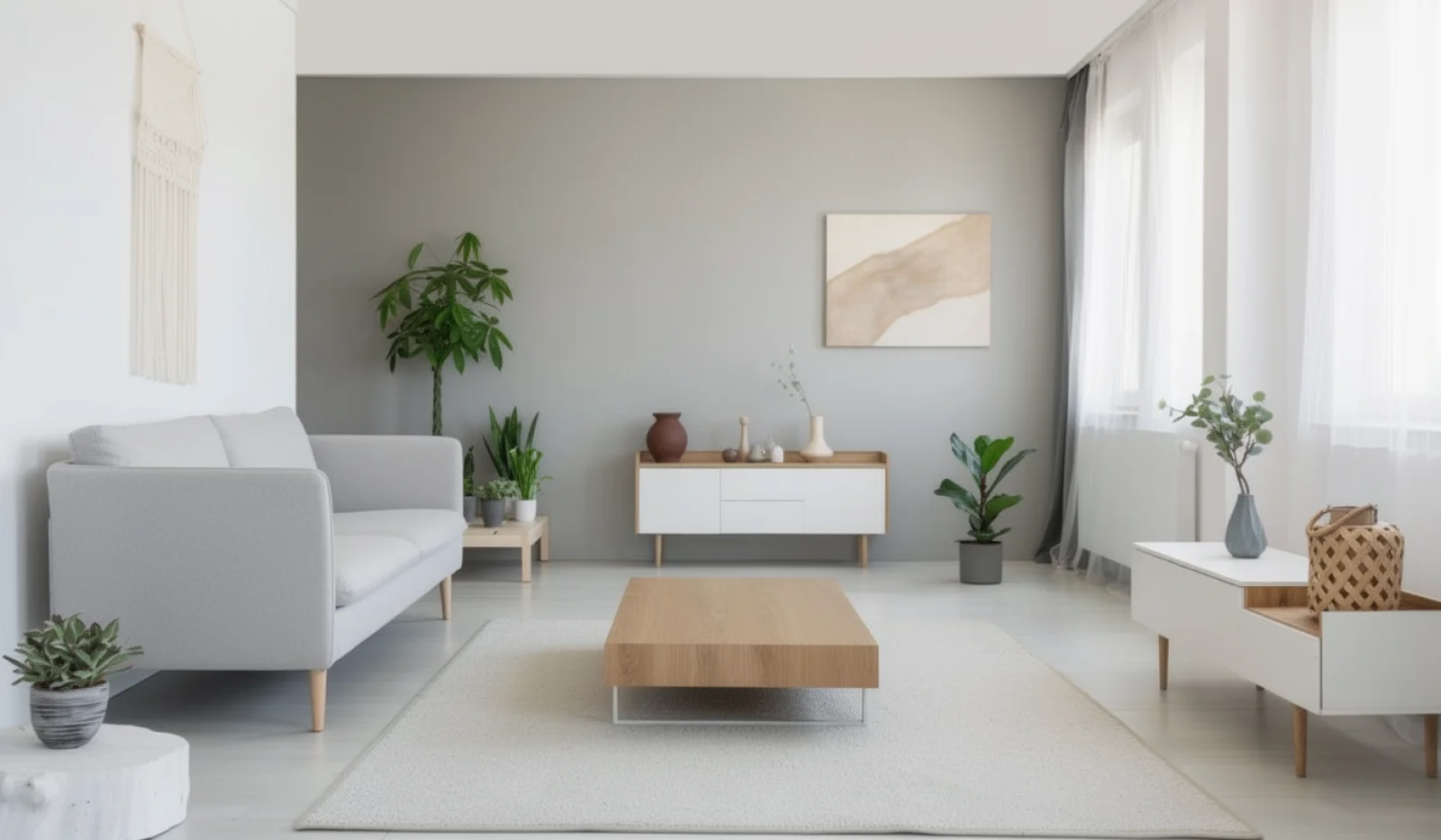
AI Interior Design: Design Your Interior Using AI With Draw3D
Learn how AI interior design tools like Draw3D let you transform rooms, annotate specific areas, and generate stunning redesigns in minutes.

AI Image Enhancer: Turn Ordinary Photos Into Cinematic Visuals
Discover how an AI image enhancer can turn ordinary photos into cinematic visuals, pencil sketches, anime art, and stylized 3D images in seconds.