AI Image Enhancer: Turn Ordinary Photos Into Cinematic Visuals
Discover how an AI image enhancer can turn ordinary photos into cinematic visuals, pencil sketches, anime art, and stylized 3D images in seconds.
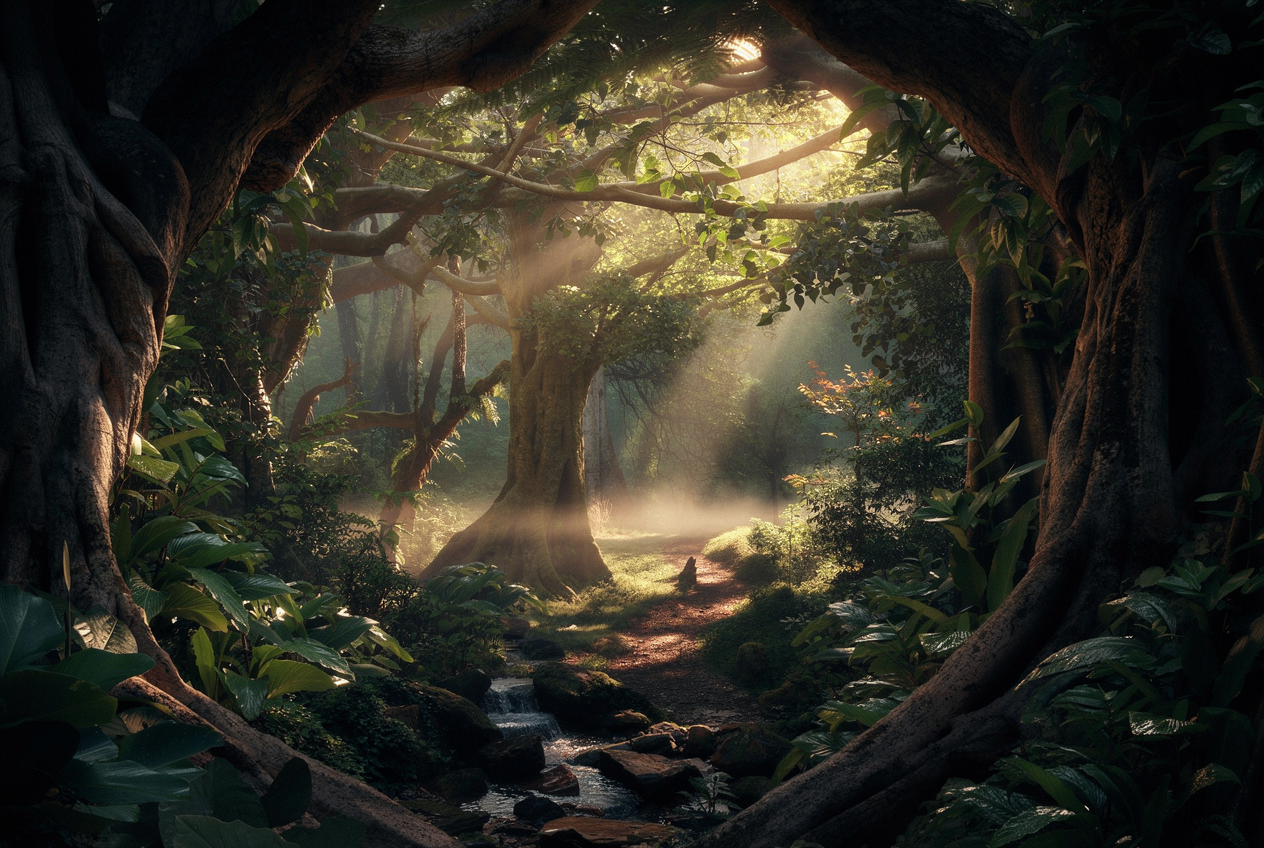
An AI image enhancer can do far more than sharpen a photo or fix colors. Today, it can transform an ordinary image into something cinematic, artistic, and visually striking in just a few seconds. From dramatic lighting upgrades to sketch, anime, and 3D-style transformations, AI makes it easy to restyle photos without complex editing skills.
If you want to upgrade flat or everyday images into eye-catching visuals, tools like Draw3D’s new Image ReStyler make that process fast and simple. You can upload a normal photo and instantly explore cinematic mood, richer lighting, stylized looks, and creative variations that would normally take much longer in traditional editing software.
What is Image ReStyler?
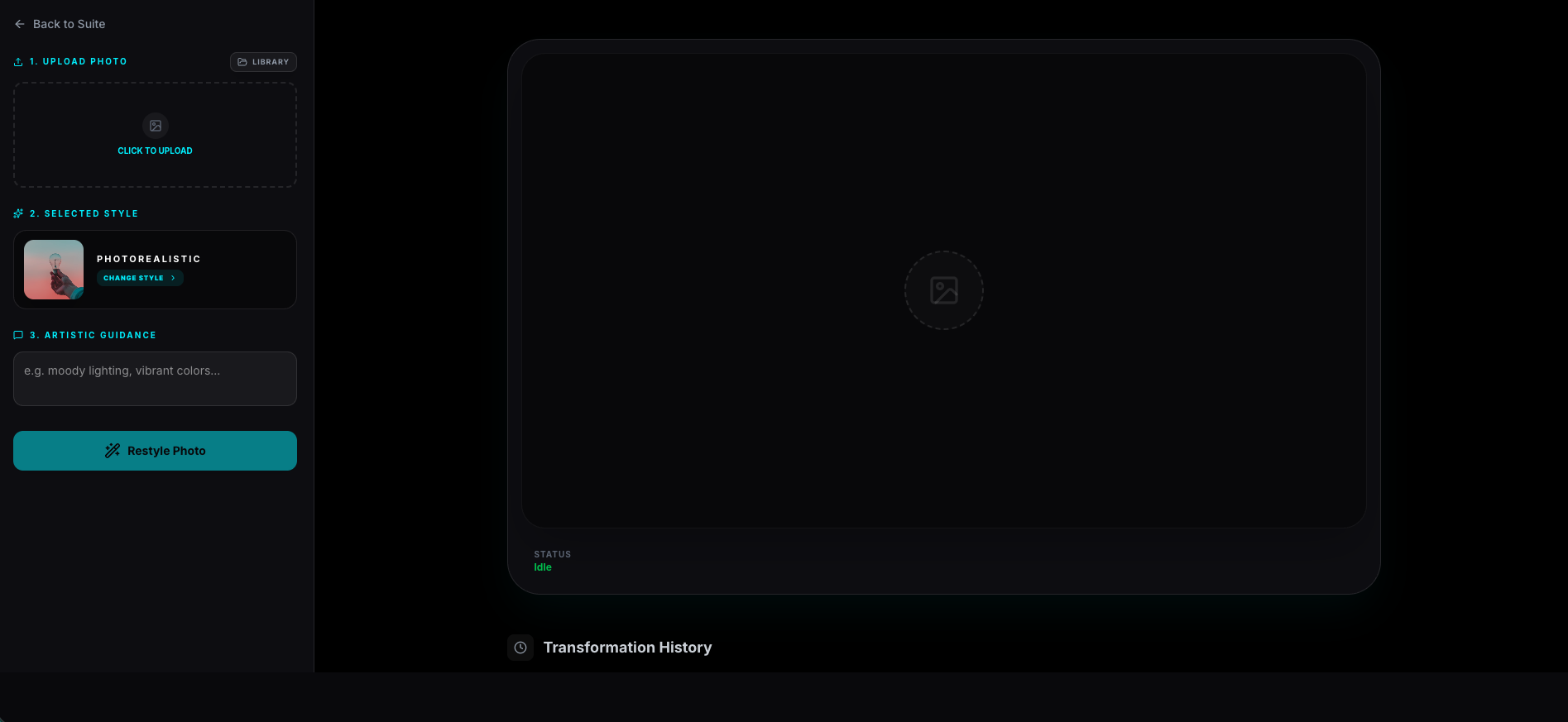
Image ReStyler is a new tool from Draw3D that lets you transform existing photos into new visual styles with AI. Instead of manually editing each part of an image, you simply upload the photo, choose a style or direction, and let the AI generate a new result.
It can turn ordinary photos into cinematic scenes, artistic sketches, anime-inspired artwork, stylized 3D visuals, and more. That means Draw3D is no longer only for turning sketches into photorealistic renders. It can now also turn photorealistic images into sketch-style or artistic outputs just as easily.
Why this AI image enhancer stands out
Most people think of an AI image enhancer as something that only sharpens details or improves exposure. But Image ReStyler goes much further. It enhances the emotional impact of a photo by changing its atmosphere, mood, lighting, and style.
With one quick transformation, you can add dynamic lighting, cinematic depth, dramatic contrast, stylized rendering, and completely different visual moods. This makes it useful for creators, designers, photographers, marketers, and anyone who wants stronger image presentation without a heavy editing workflow.
Tool interface
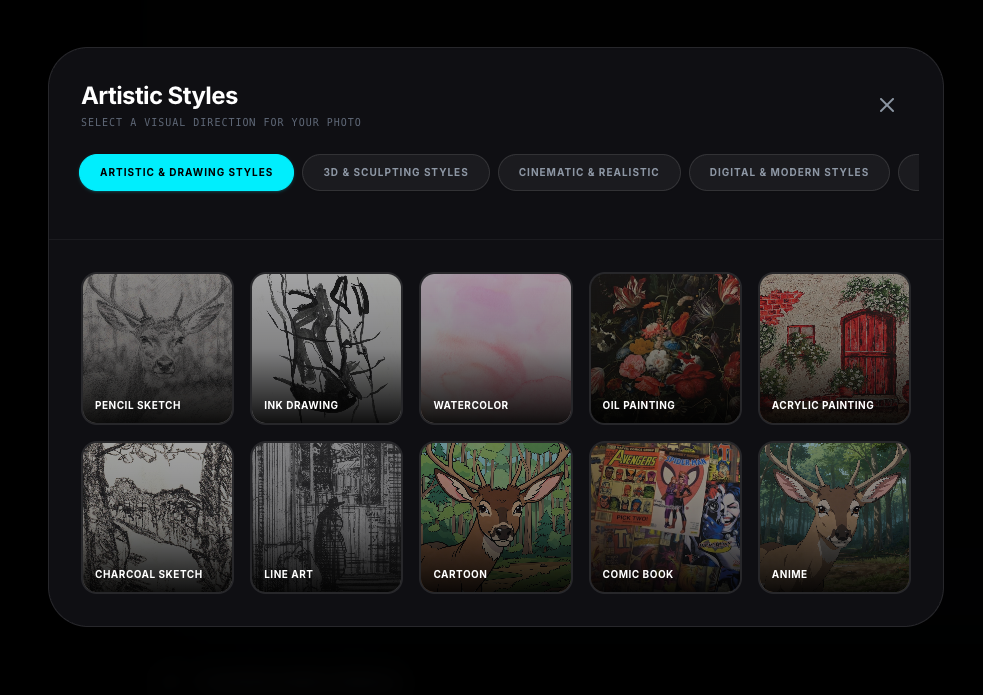
Turn a flat photo into a cinematic image
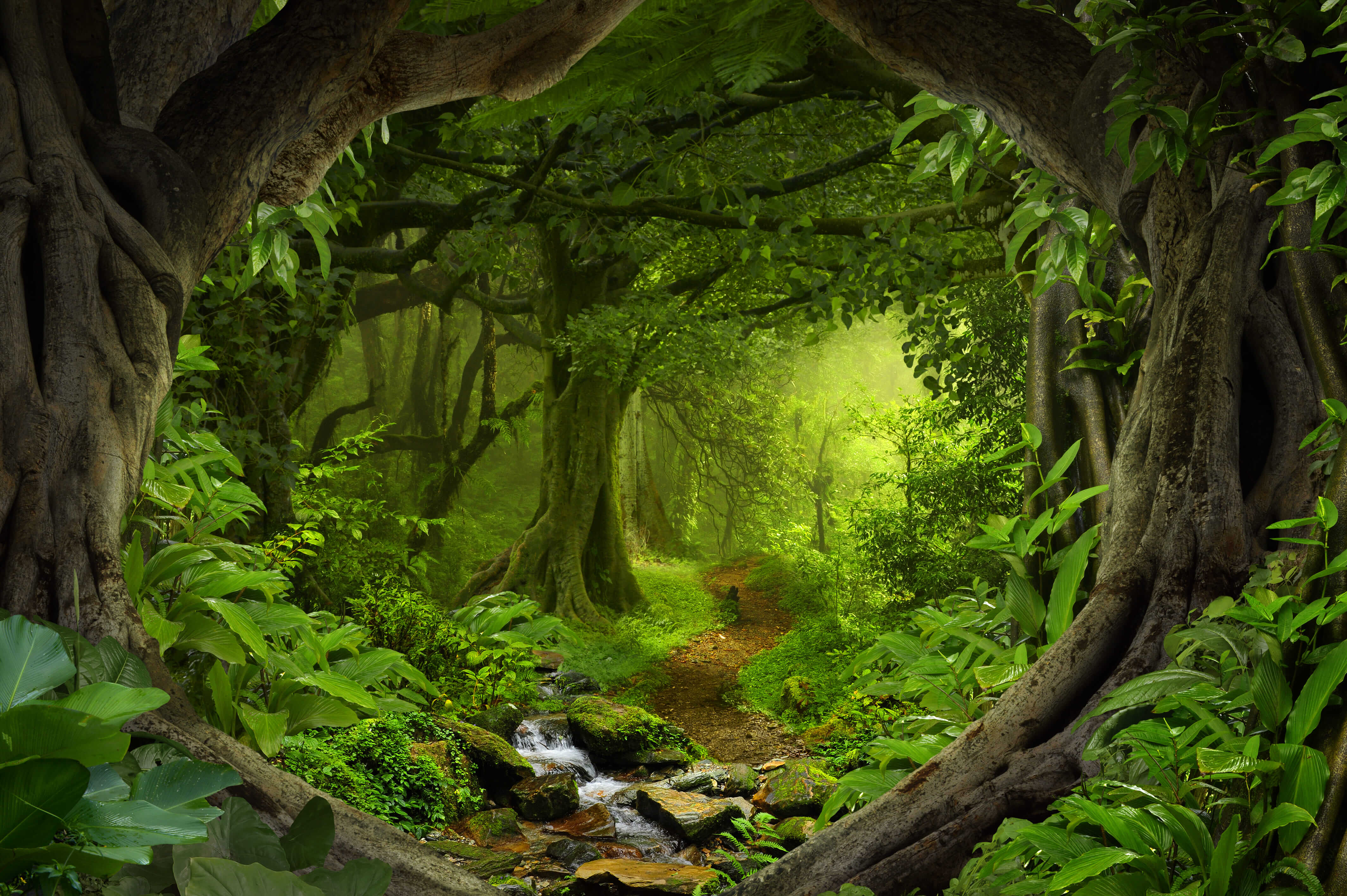
One of the most impressive uses of this AI image enhancer is dynamic lighting. A flat and ordinary image can be transformed into something much more dramatic and cinematic in seconds.
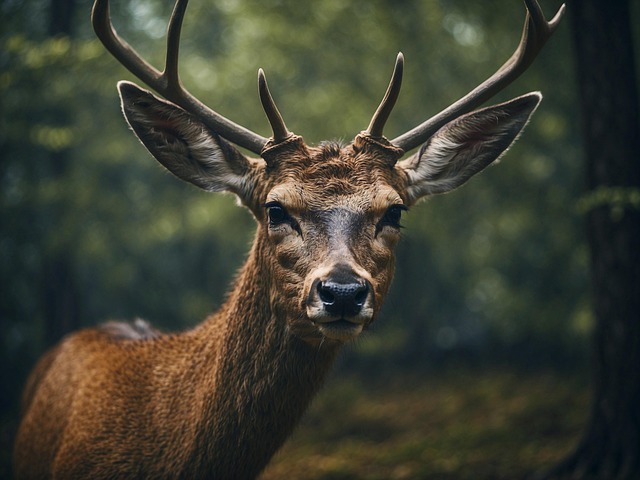
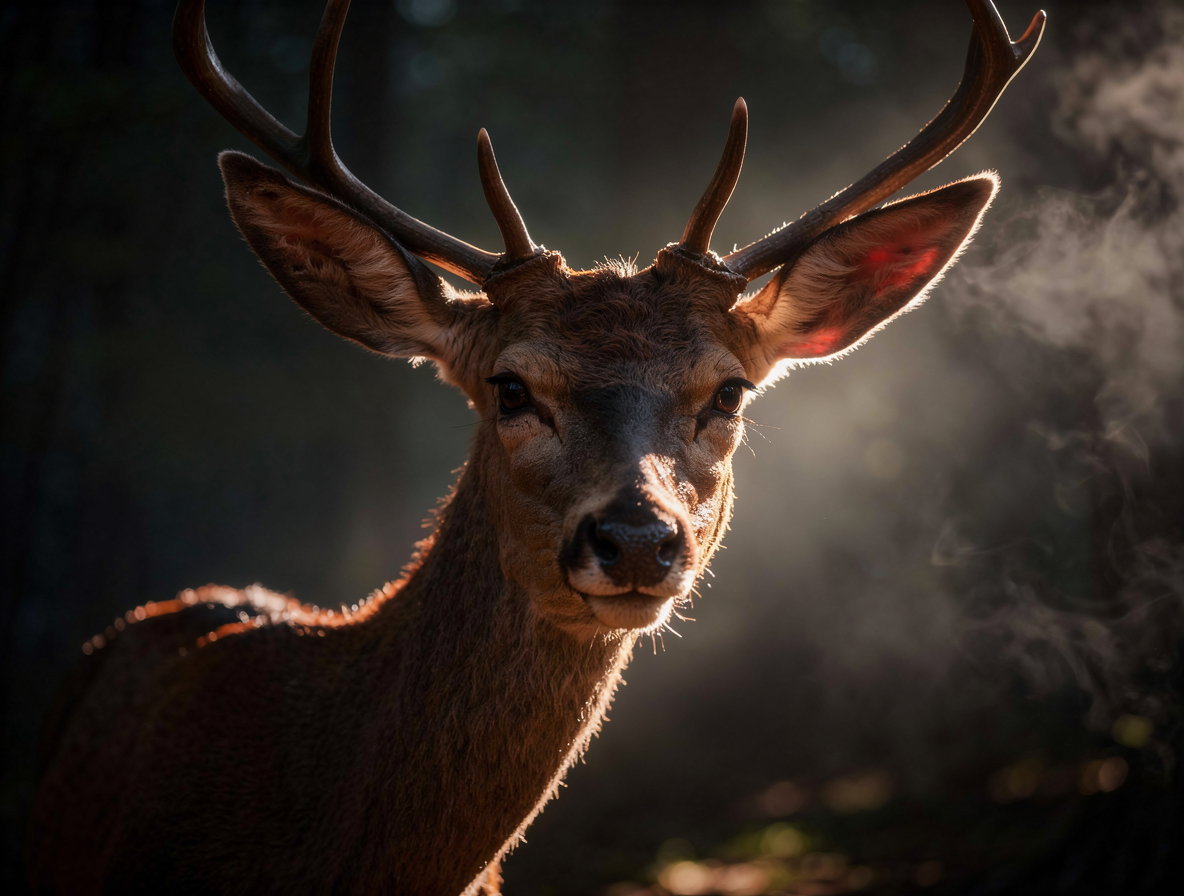
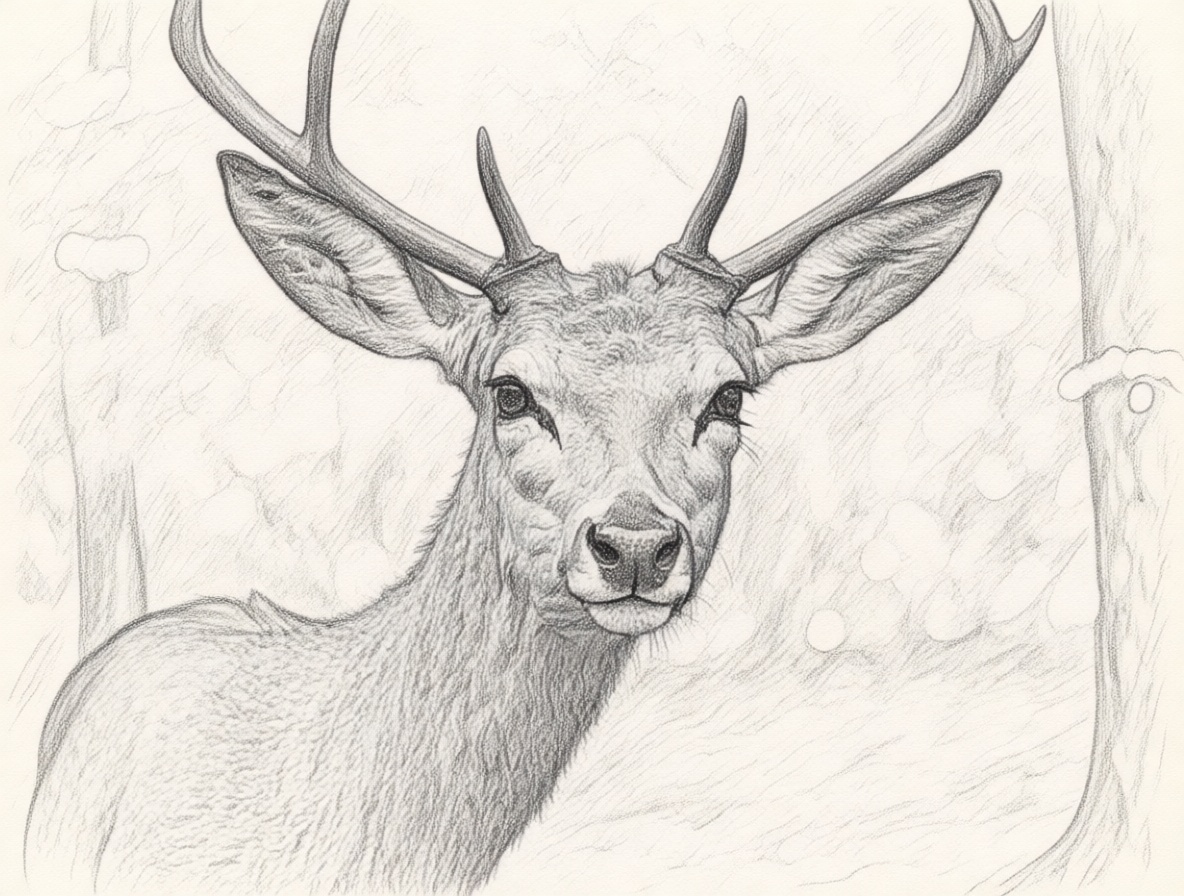
Restyle wildlife photos with AI
Image ReStyler also works beautifully on nature and animal photography.
More than a sketch-to-render tool
Draw3D has already been known for turning rough drawings into photorealistic outputs. With Image ReStyler, it now expands that workflow further. You can turn a sketch into a realistic image, turn a realistic photo into a cinematic scene, turn a photo into a sketch, and explore anime, 3D, and other visual styles in just a few clicks.
That flexibility makes Draw3D much more than a rendering tool. It becomes a creative transformation tool for both sketches and photos.
Watch the demo
Today we launched a new tool on https://t.co/rWVg1dTnjq 🚀
— Jabed Bhuyan (@itzjabed) April 25, 2026
It’s called Image ReStyler
Turn any ordinary photo into a cinematic shot in seconds 🎬
Not just that we’ve added tons of styles like sketch, anime, 3D, and more.
Check out the demo video 👇 pic.twitter.com/AD6HbCRCiH
Final thoughts
If you are looking for an AI image enhancer that does more than basic correction, Image ReStyler is a strong option. It can take an ordinary image and turn it into something cinematic, artistic, and much more visually powerful in seconds.
With support for sketch, anime, 3D, pencil style, and dramatic lighting transformations, Draw3D gives you a fast and accessible way to restyle images directly in the browser.
Further Reading
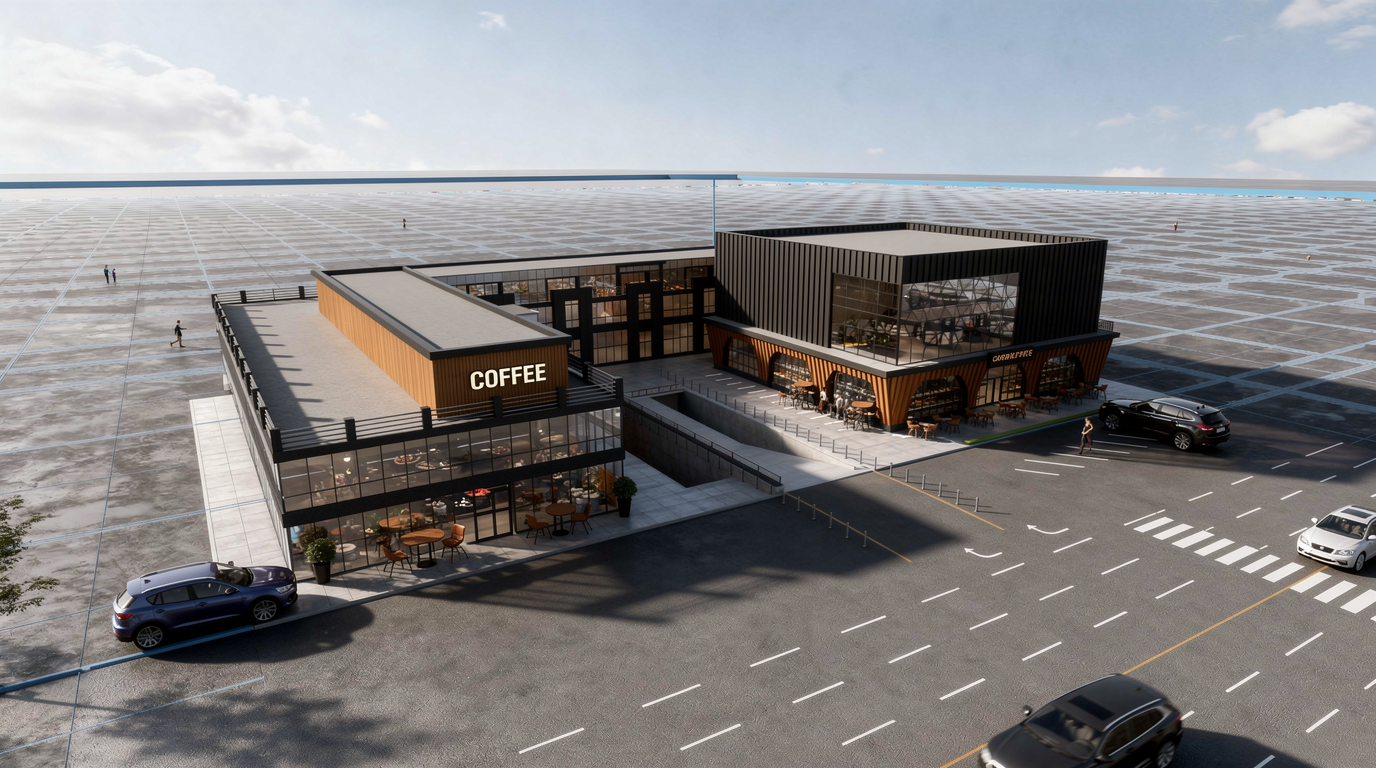
How You Can Use AI for Architectural Visualizations
Learn how AI can speed up architectural visualization from sketches and raw 3D scenes to polished renders and video using Draw3D.
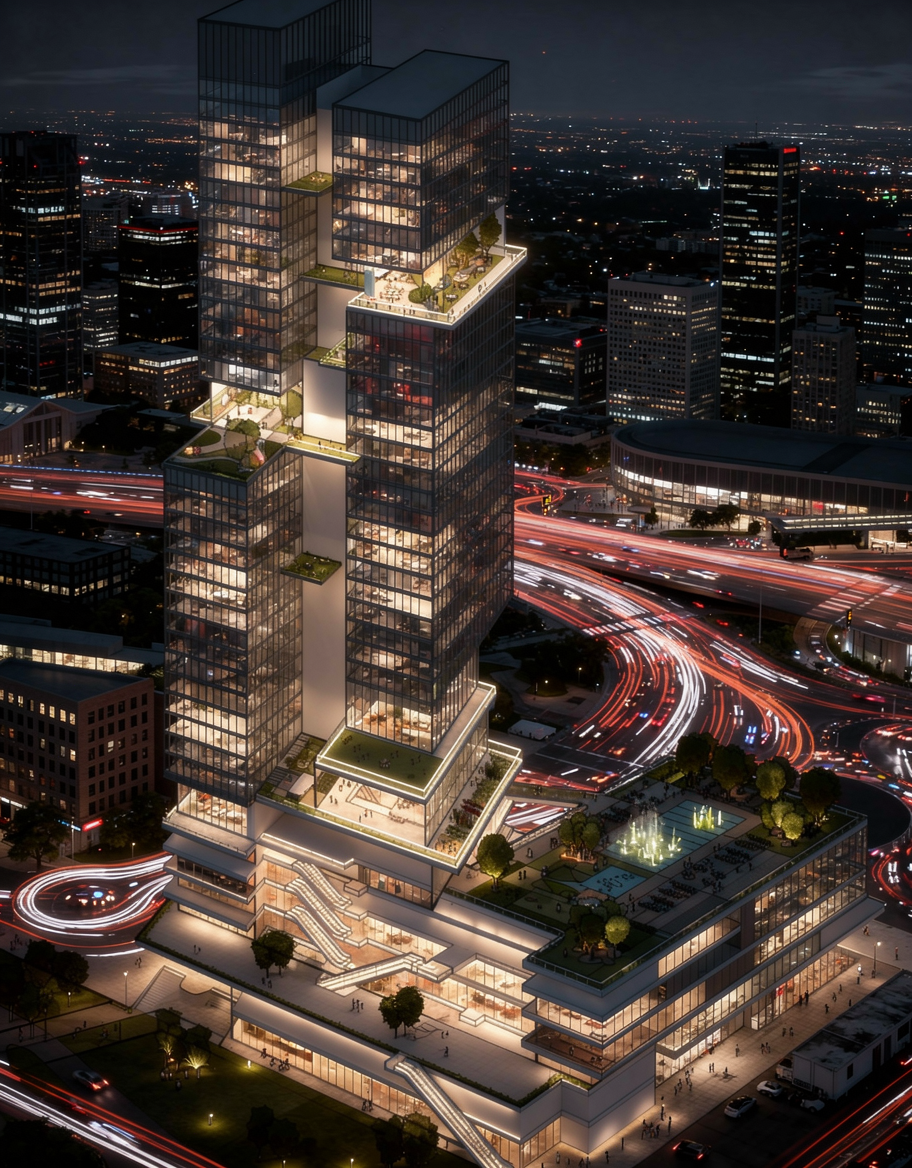
Sketch to Image AI: Turn Rough Drawings Into Realistic Renders in Seconds
Discover how sketch to image AI helps architects, designers, and creators turn rough drawings into realistic renders fast with Draw3D.
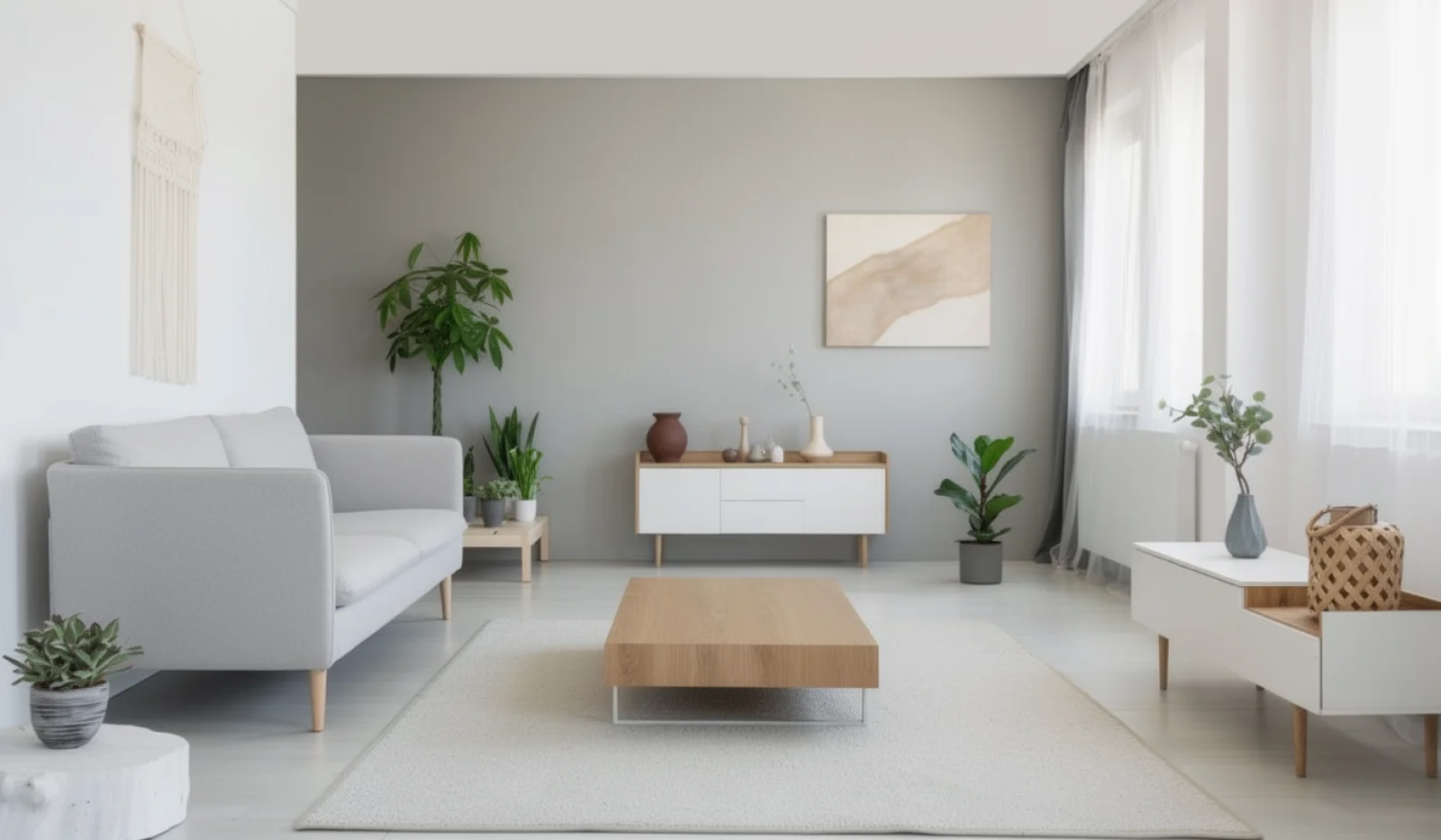
AI Interior Design: Design Your Interior Using AI With Draw3D
Learn how AI interior design tools like Draw3D let you transform rooms, annotate specific areas, and generate stunning redesigns in minutes.