Sketch to Image AI: Turn Rough Drawings Into Realistic Renders in Seconds
Discover how sketch to image AI helps architects, designers, and creators turn rough drawings into realistic renders fast with Draw3D.
If you need to turn rough hand sketches into presentable visuals fast, sketch to image AI can completely change your workflow. Instead of spending hours rebuilding an idea in traditional rendering software, you can sketch the concept, upload it, and let AI generate a polished result in minutes.
That is exactly where Draw3D stands out. It is built for people who need speed, simplicity, and strong visual results without enterprise budgets, heavy installations, or complicated prompt engineering.
Why Draw3D stands out for sketch to image AI
Many AI tools can generate images, but not all of them are practical when you are working from an actual sketch. Draw3D is different because it is designed around the idea of turning rough visual input into usable renders quickly.
Zero complex prompting. Your sketch is the prompt. You can draw directly inside the app or upload your rough lines, and the AI handles lighting, materials, textures, and depth automatically.
Two modes for different workflows. If you want speed, the easy creative tools let you go from sketch to photorealistic image almost instantly. If you want more control, the advanced canvas and 2D mode give you layers, cleaner line work, and semantic tagging so the AI understands what each part of the drawing represents.
Better spatial understanding. Draw3D respects perspective and structure much better than many pure 2D sketch tools thanks to its hybrid 2D and 3D workflow. You can also move into a 3D blockout process using dummies and reference images for more accurate compositions.
Fast iteration built for real work. Generation happens in seconds, and you also get inpainting, style adjustments, lighting controls, 8x upscaling, and one-click cinematic animation. Everything runs fully in the browser on desktop and tablet, so there is nothing to install.
Practical pricing for working designers. For industrial designers, architects, concept artists, and product teams, Draw3D offers a much simpler workflow than more technical alternatives. Paid plans include commercial rights, no watermarks, and affordable credit-based pricing for both light and frequent usage.
Real examples of sketch to image AI with Draw3D
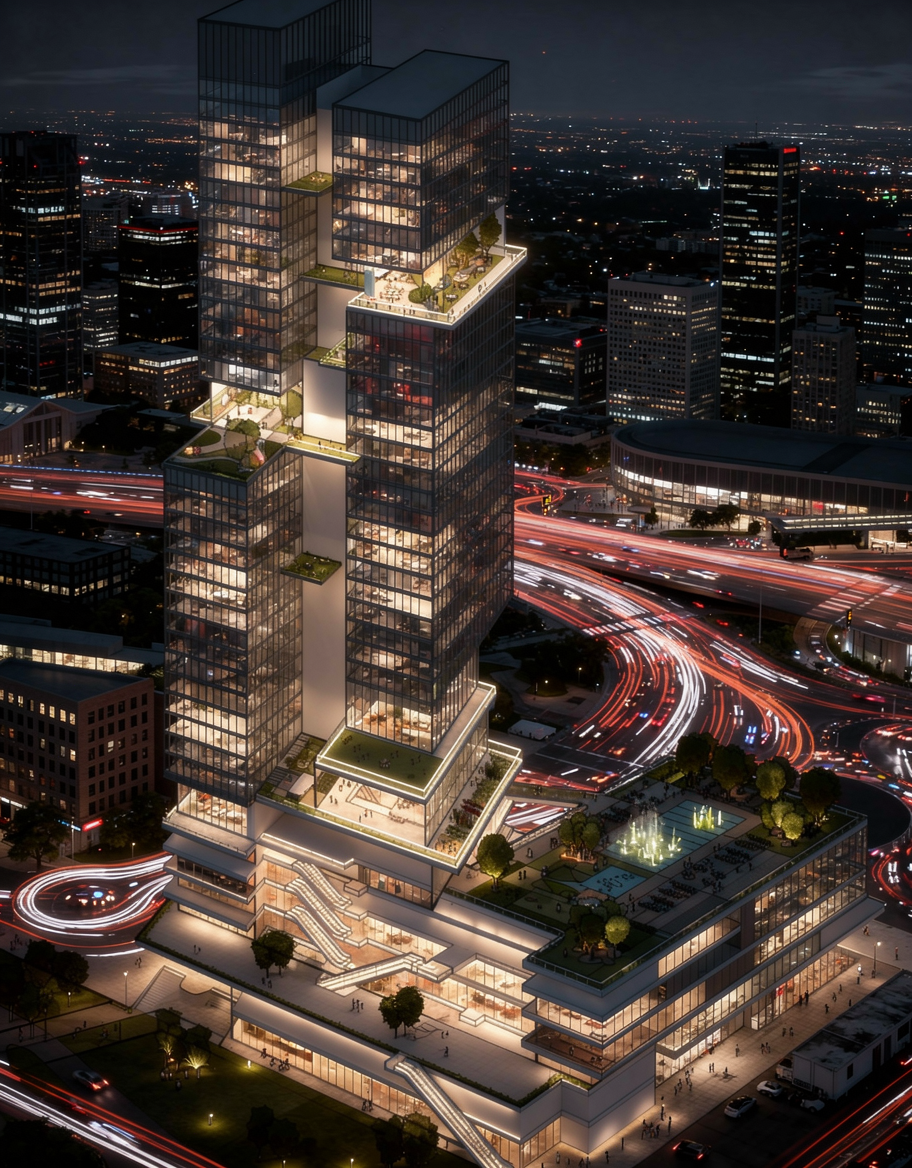
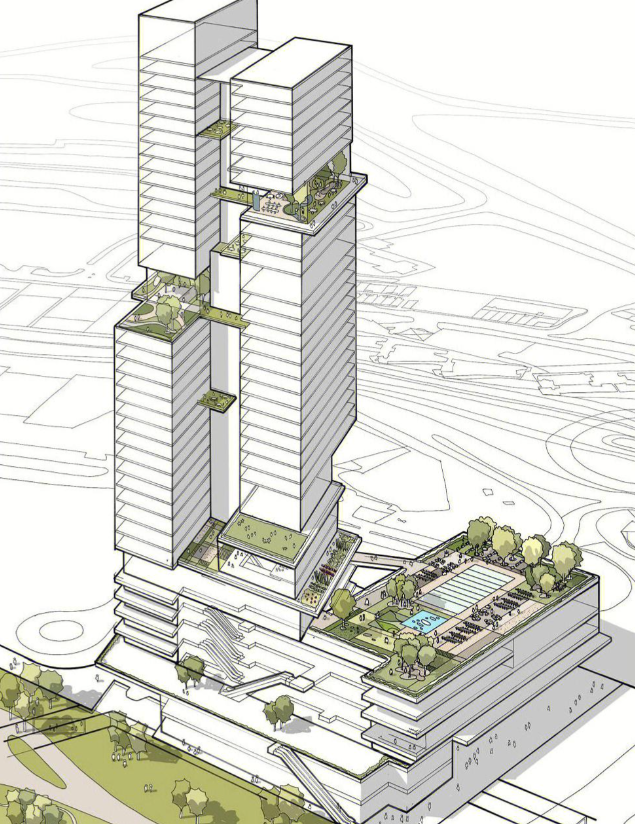
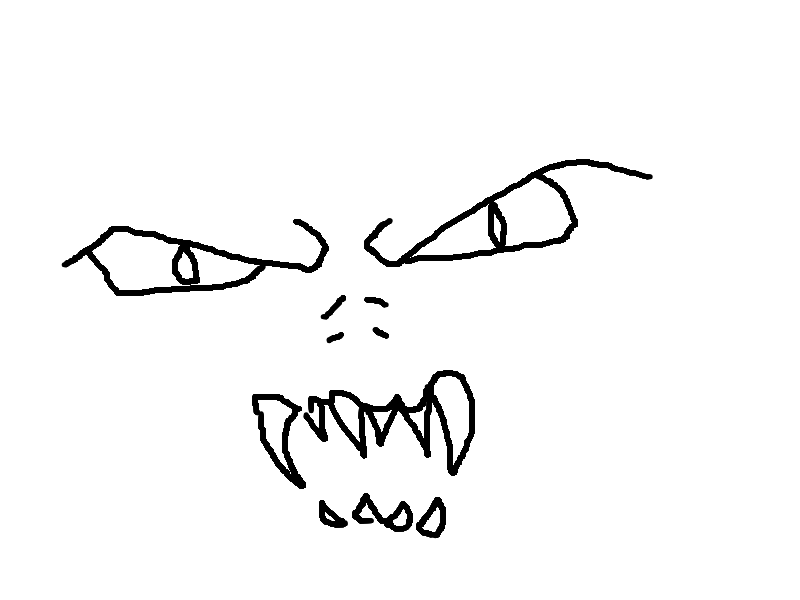
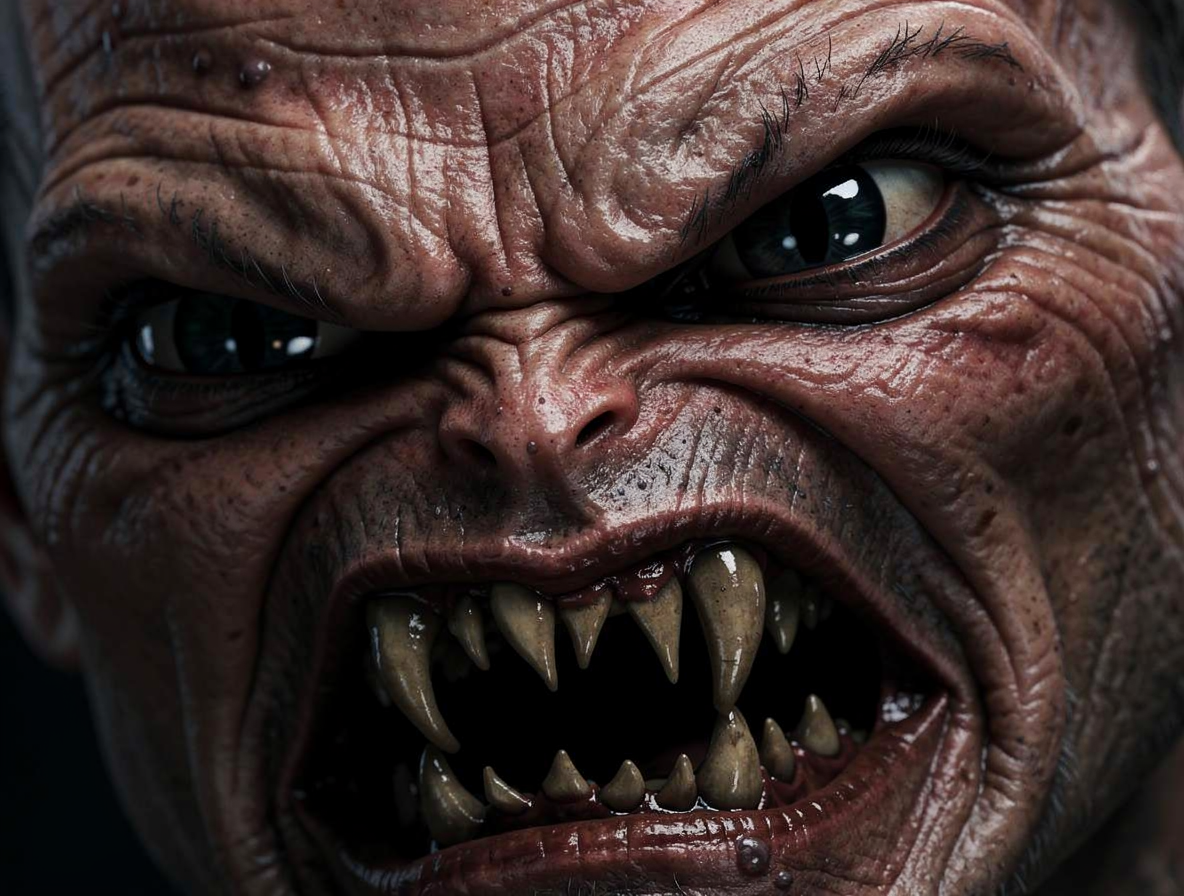
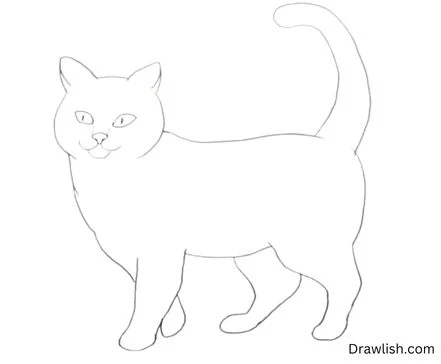
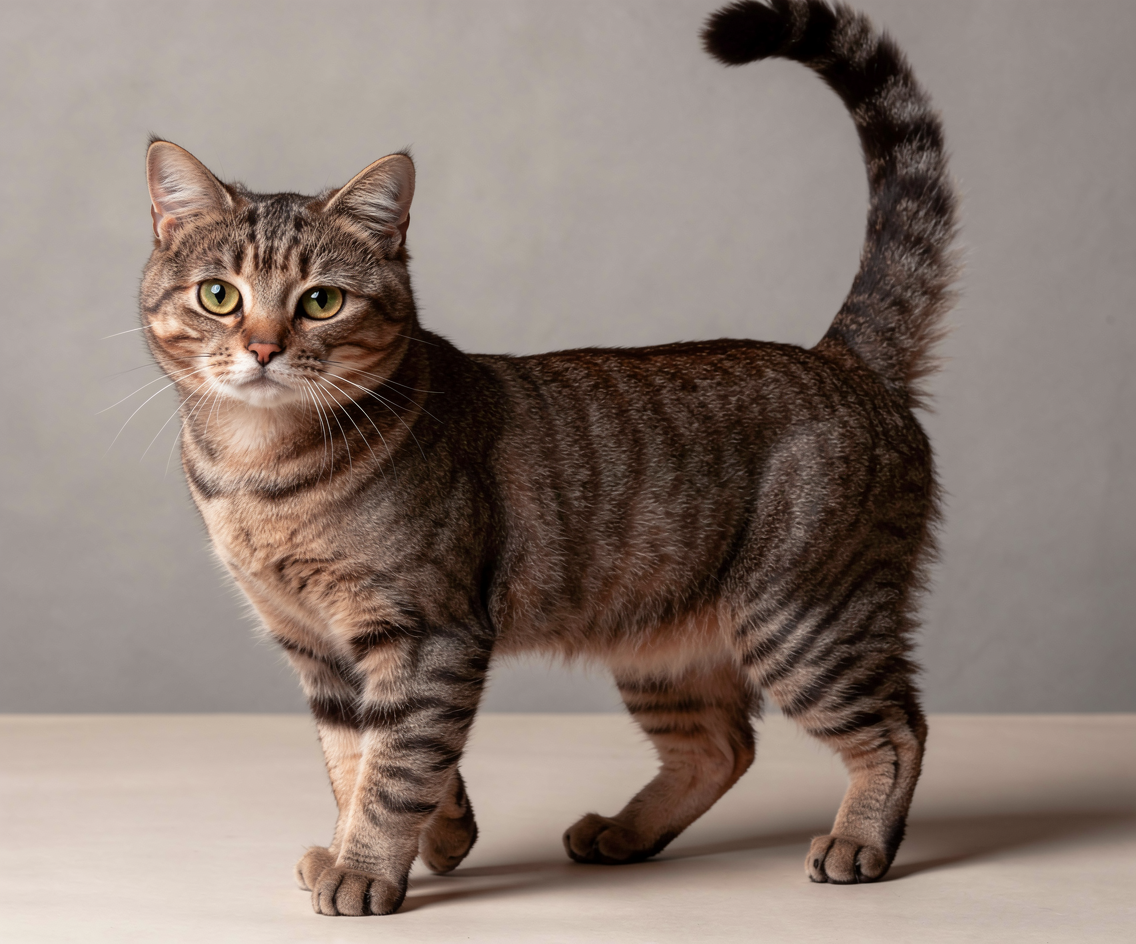
Here are a few examples showing how rough sketches, flat drawings, and annotated concepts can be transformed into realistic outputs in seconds.

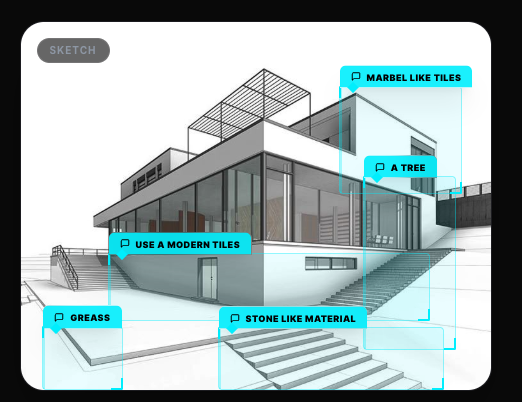
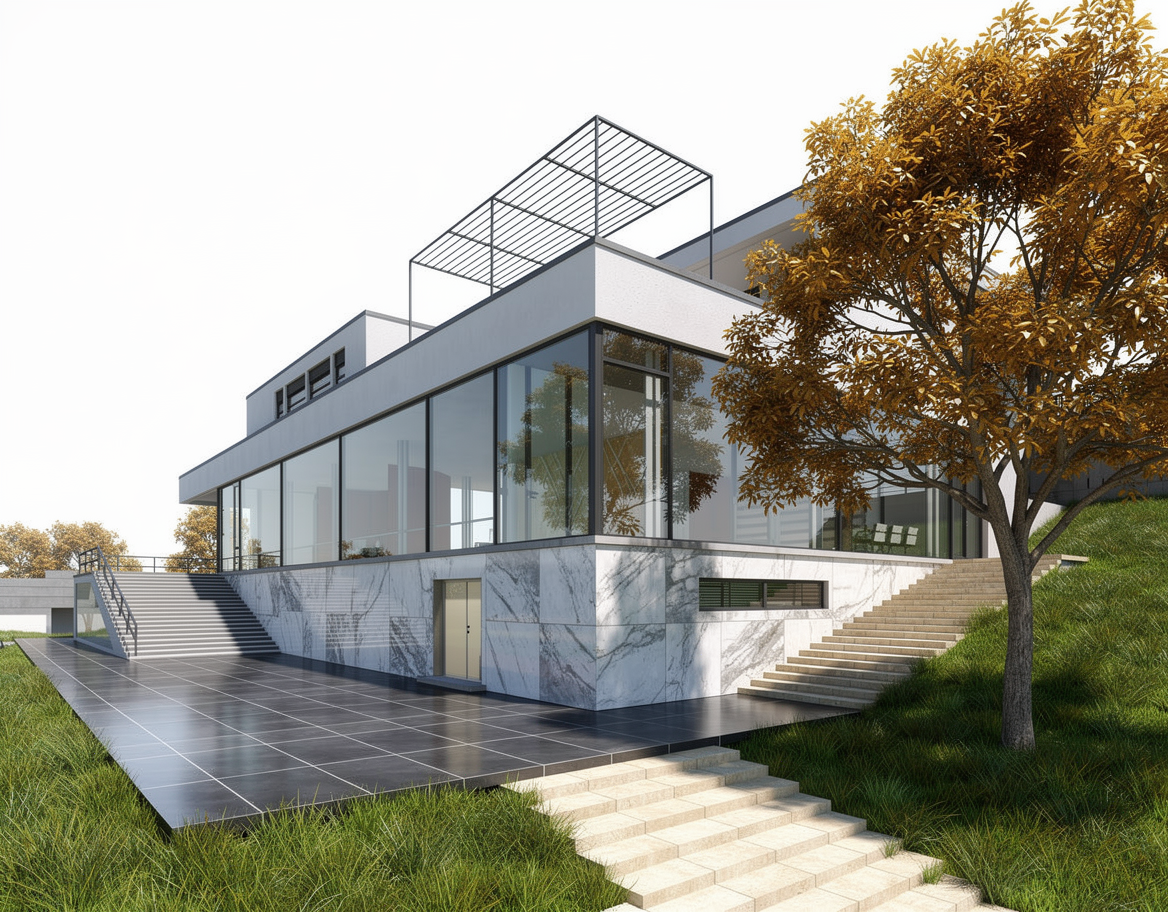
Who this is for
Draw3D is especially useful for architects, industrial designers, product designers, concept artists, and anyone who needs to communicate ideas visually under tight deadlines. It works well for softgoods, quick concept studies, early design proposals, and client-facing visuals when you do not have time for a full manual rendering pipeline.
Many designers use it as a faster and simpler alternative to Vizcom-style workflows or local ControlNet setups when they want results without technical friction.
Final thoughts
If your workflow depends on turning rough ideas into presentable visuals quickly, sketch to image AI is no longer just a novelty. It is becoming a practical everyday tool.
And if you want a browser-based option that is fast, easy to learn, and built specifically for this kind of work, Draw3D is absolutely worth trying.
Further Reading
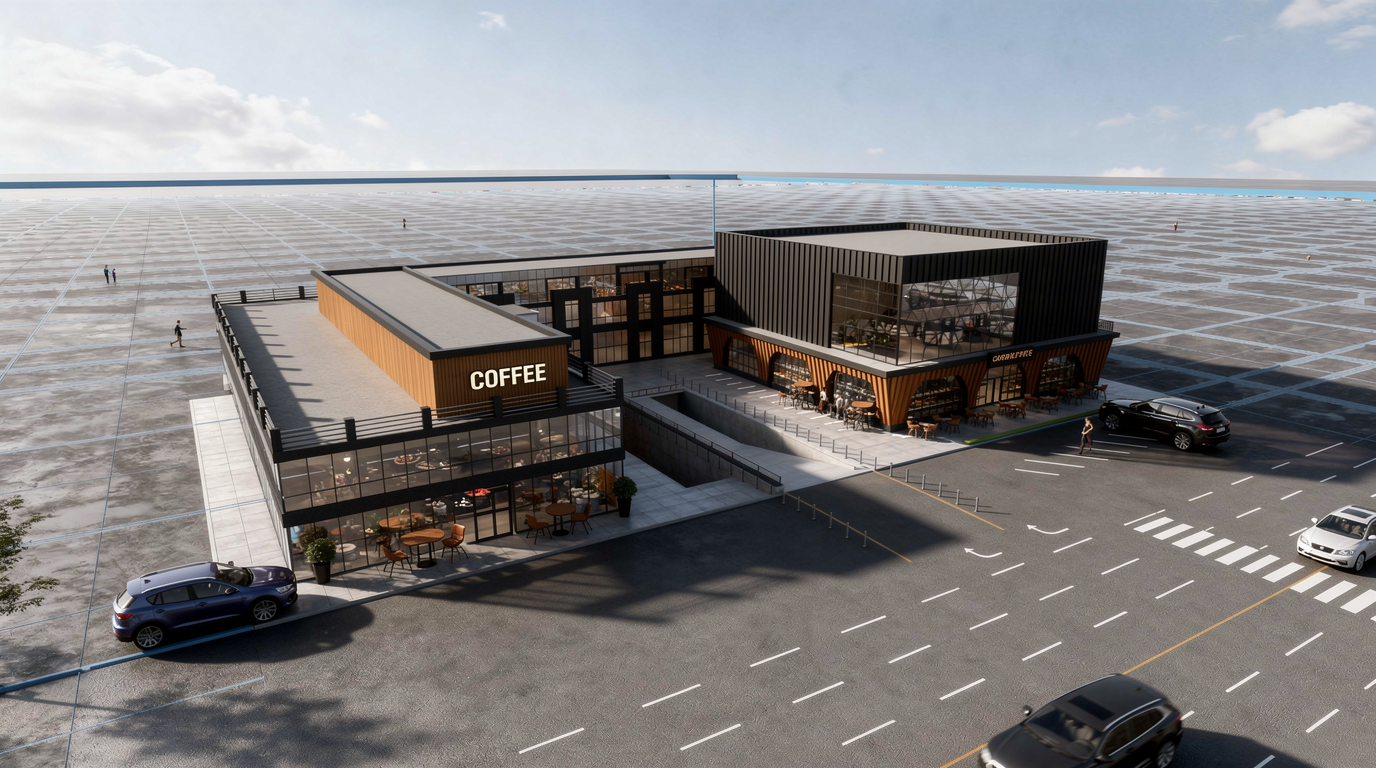
How You Can Use AI for Architectural Visualizations
Learn how AI can speed up architectural visualization from sketches and raw 3D scenes to polished renders and video using Draw3D.
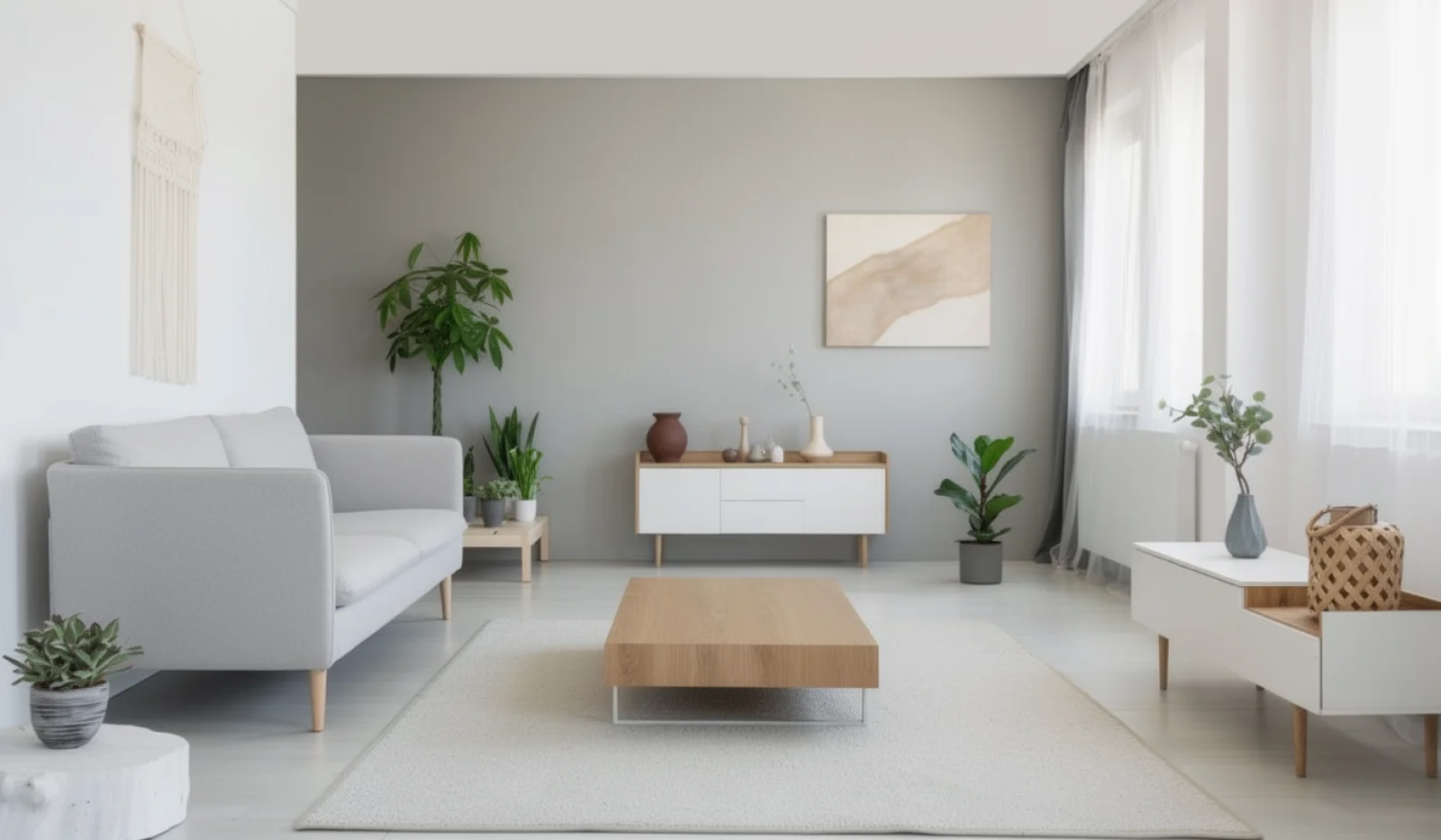
AI Interior Design: Design Your Interior Using AI With Draw3D
Learn how AI interior design tools like Draw3D let you transform rooms, annotate specific areas, and generate stunning redesigns in minutes.
AI Image Enhancer: Turn Ordinary Photos Into Cinematic Visuals
Discover how an AI image enhancer can turn ordinary photos into cinematic visuals, pencil sketches, anime art, and stylized 3D images in seconds.