Turn sketches & region boxes
into photorealistic
images & video.
No complex drawing required. Drag labeled bounding boxes on a blank canvas, sketch rough lines, or block out 3D shapes—Draw3D renders every subject in its exact coordinates with unified lighting.
Zero-Fragmentation Spatial Engine
Define any area with a box or sketch. Get a seamless photo.
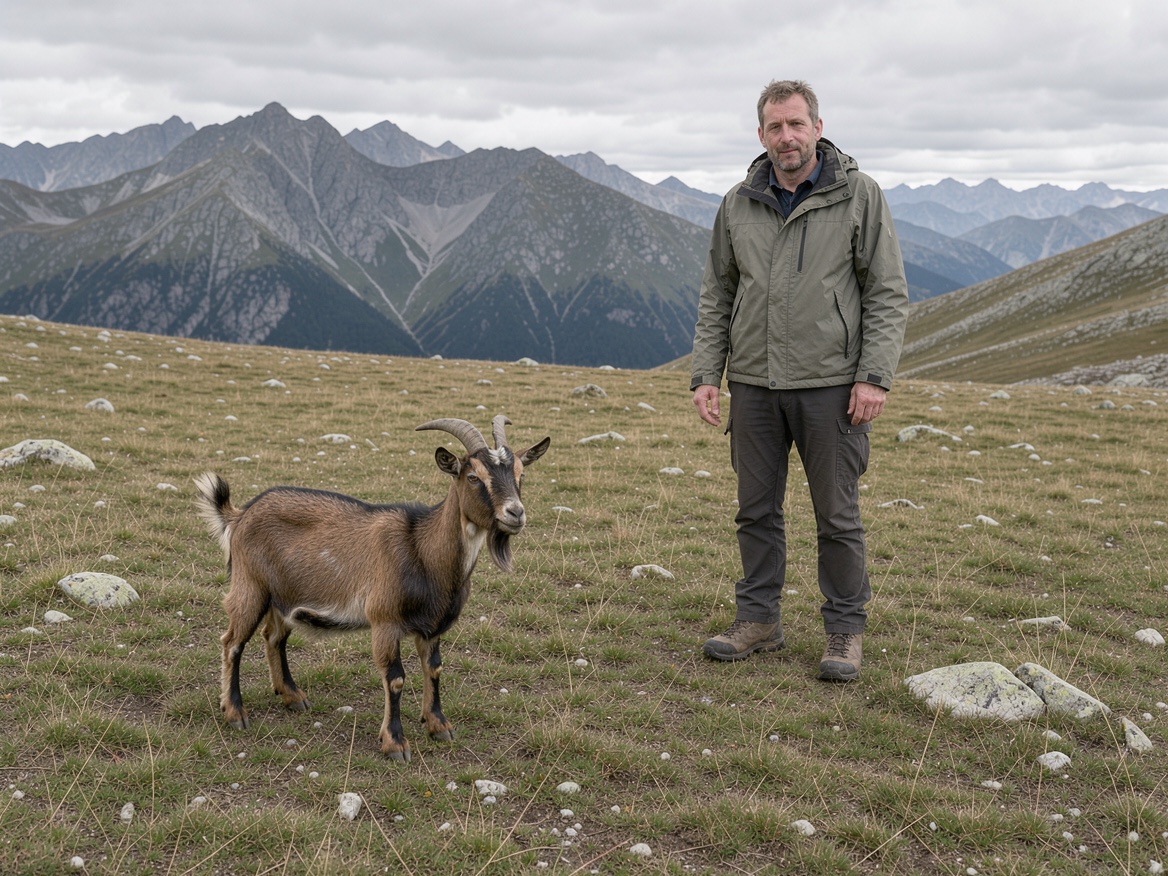
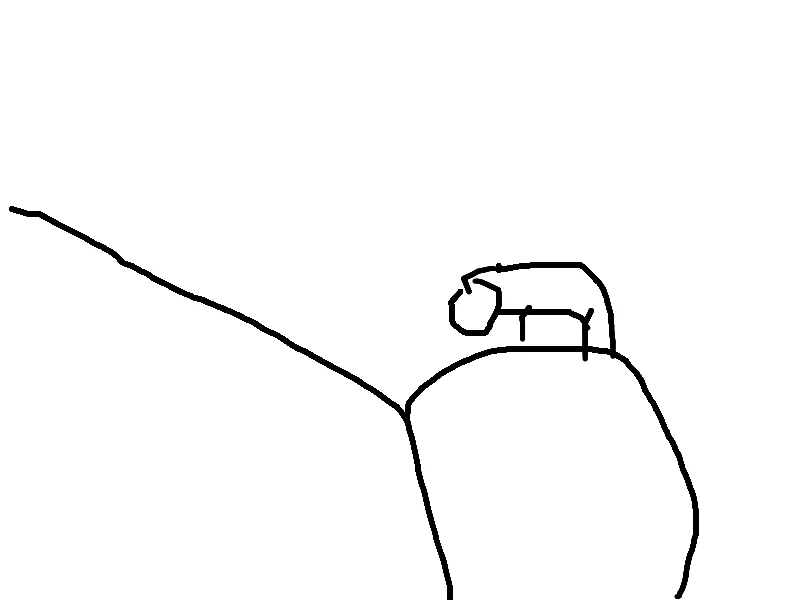
Drag the slider below: see how 3 simple labeled region boxes (mountains, A Man standing, A goat) turn into one unified, photorealistic scene.
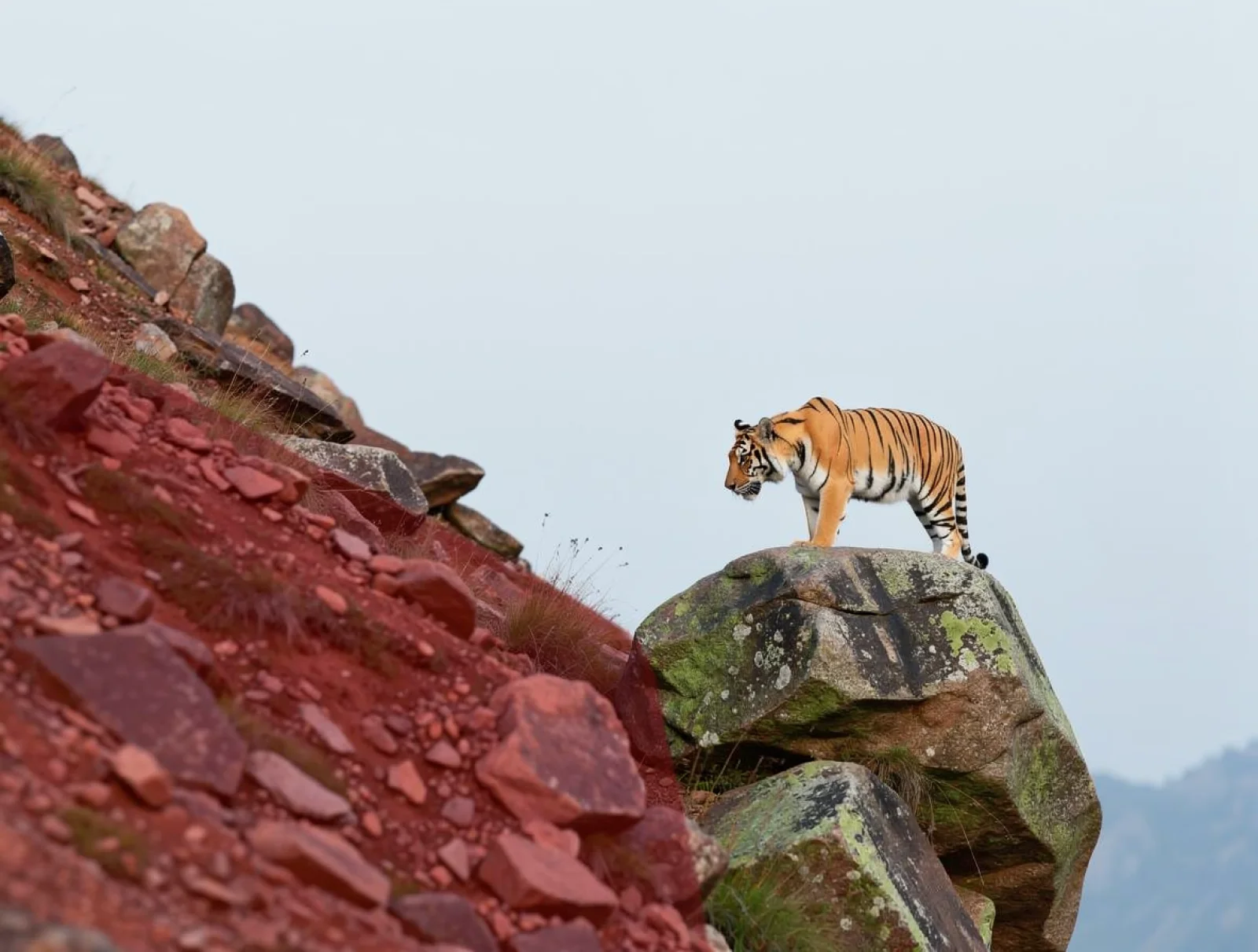
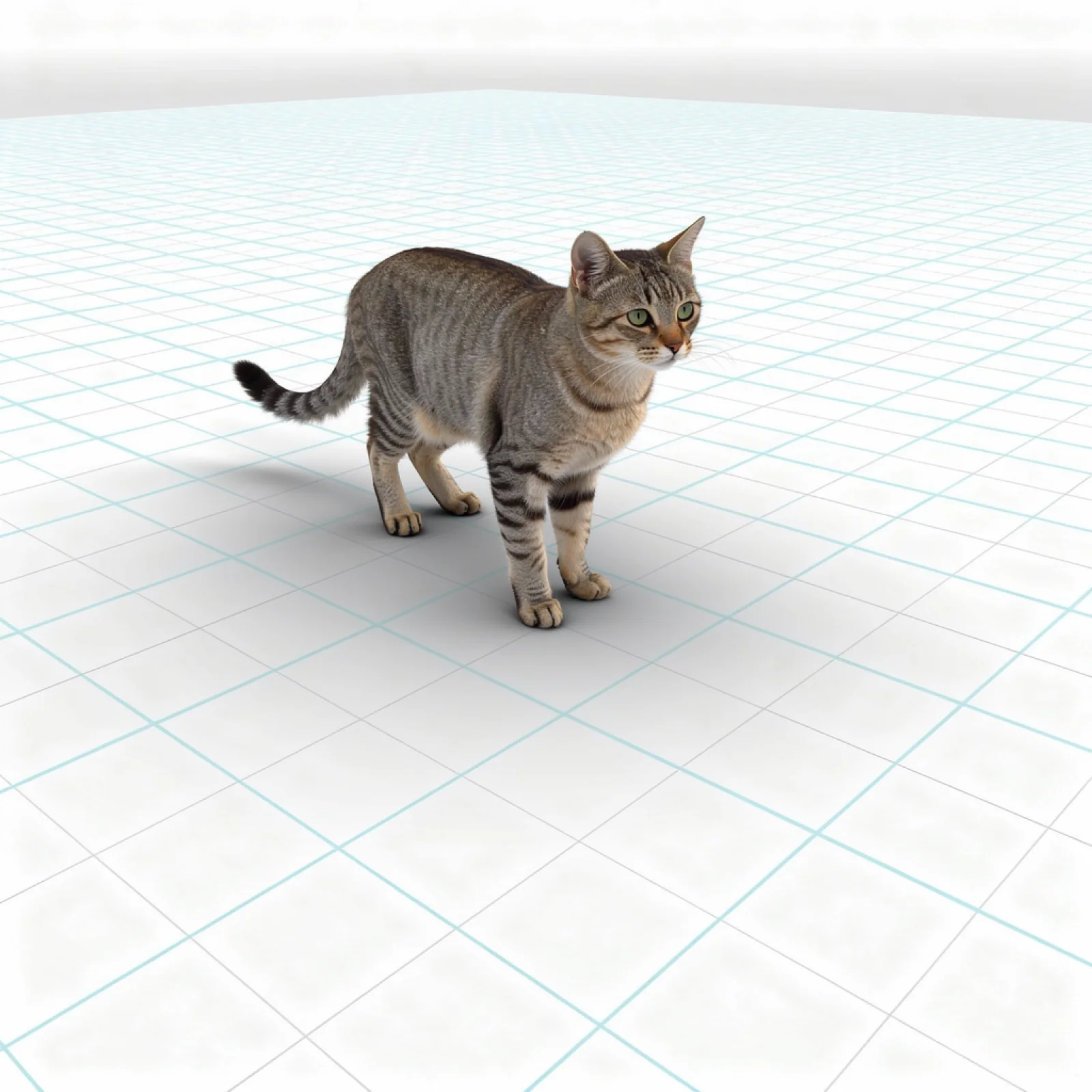
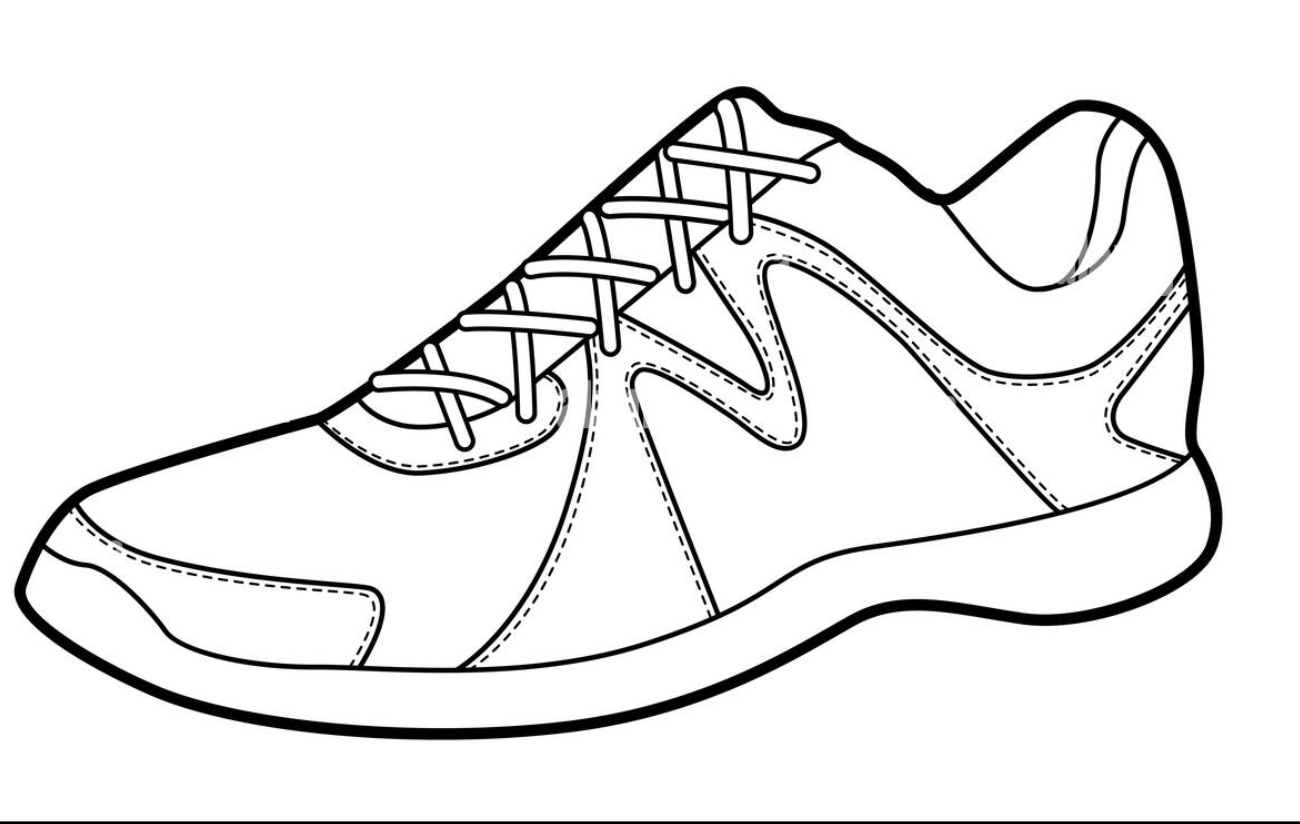
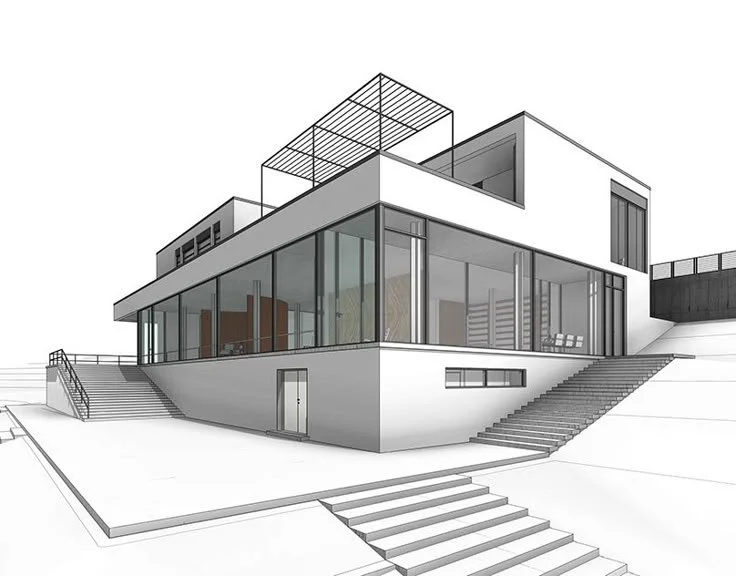
Core Capabilities
What makes Draw3D different from standard AI generators?
Engineered for deterministic creative control, Draw3D bridges the gap between rough ideation and final visual production, giving artists and architects precise control over geometry, lighting, and camera perspective.
How does Sketch-to-Photoreal work?
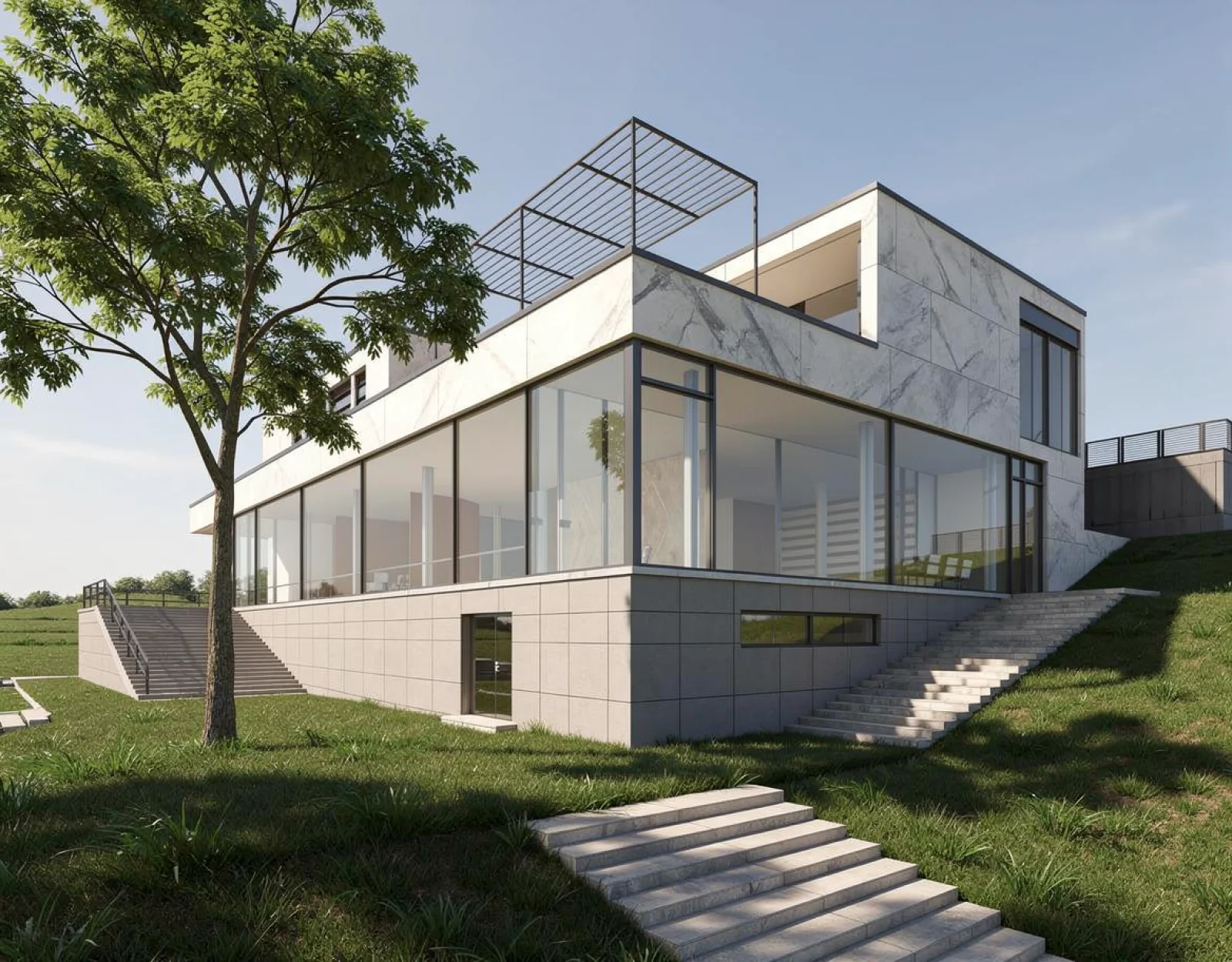
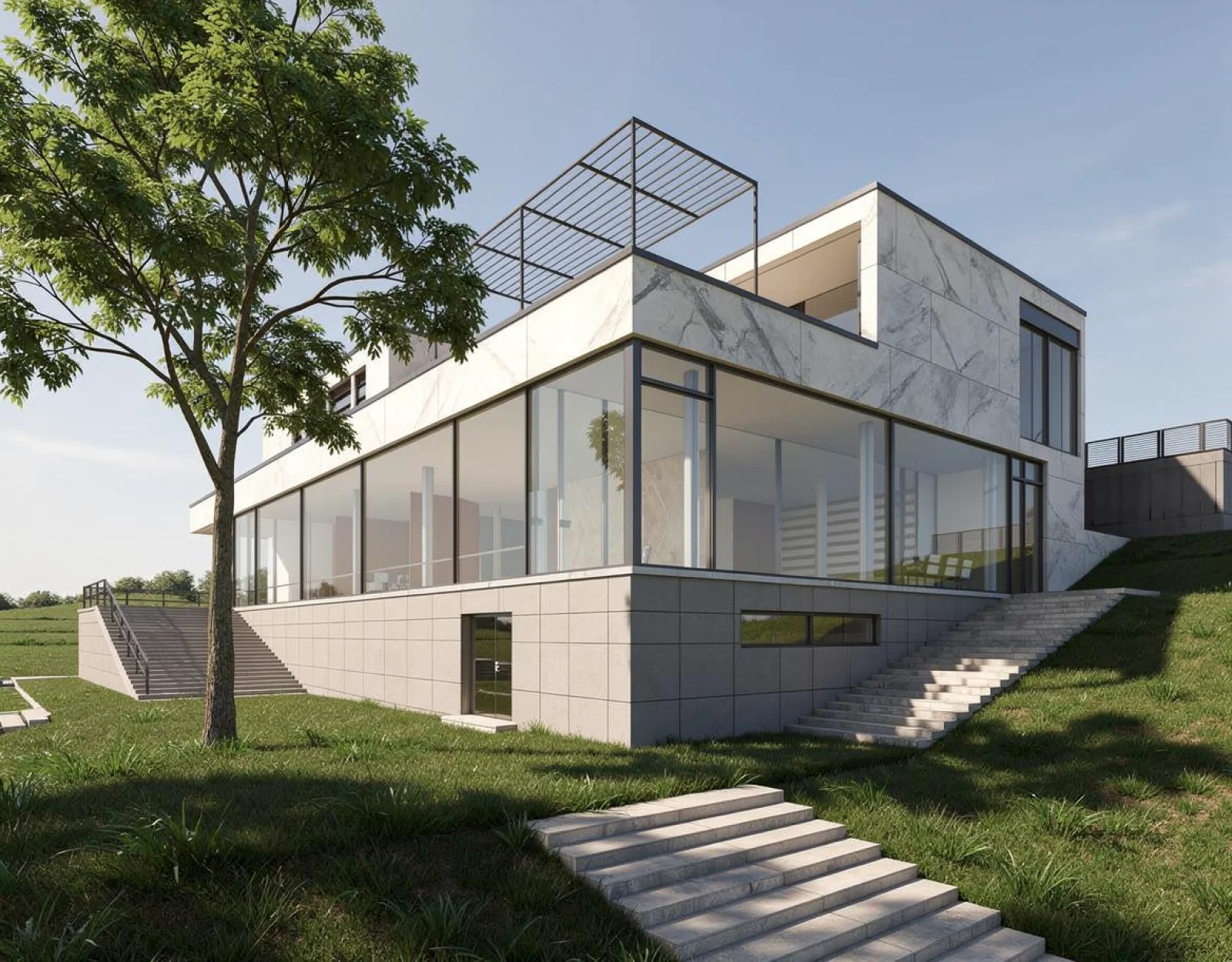
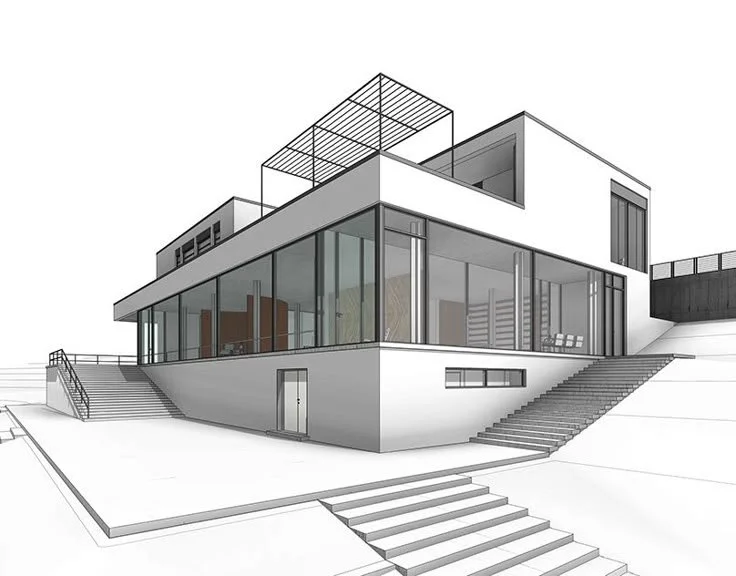
Input hand-drawn concept line work or architectural plans. Draw3D interprets spatial depth and renders realistic materials while keeping your original geometry intact.
How to render 3D blockouts and CAD massings?
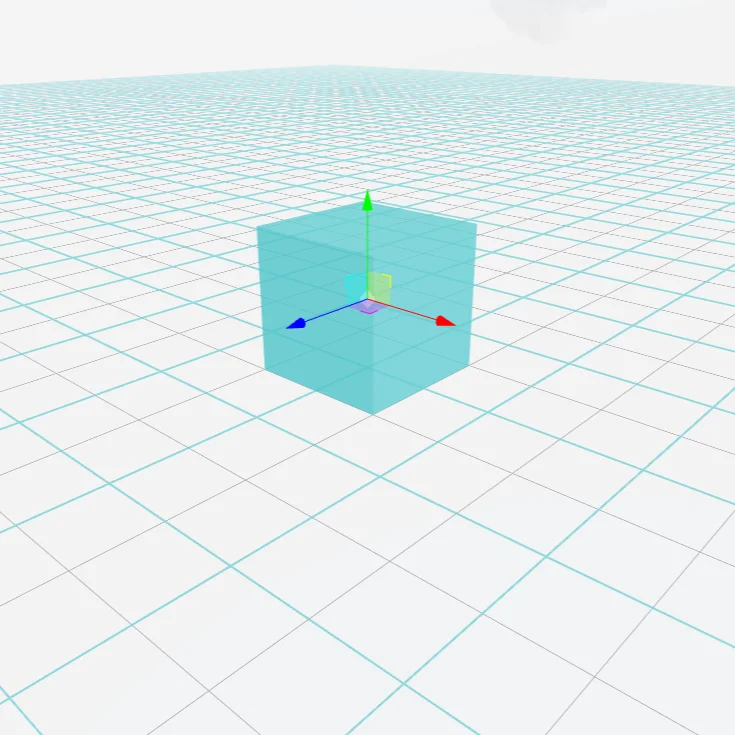
Import primitive shapes from Blender or CAD. Assign global illumination, surface roughness, and ambient environment shaders in seconds without UV unwrapping.
How to turn storyboards into cinematic video?
Generate seamless camera motion, depth shifts, and dynamic movement directly from a single photo keyframe or storyboard drawing.
How to upscale renders to 8K production print resolution?
Upscale any concept render to ultra high resolution without blurring or losing fine architectural grain, fabric weaves, and wood textures.
Workflow
How does the Draw3D workflow turn sketches into 3D renders?
Designed to fit into your existing production pipeline with zero complex shader networks or weeks of modeling required. Move from concept to client deliverable in three steps:
How to import sketches or CAD geometry?
Sketch directly on the browser canvas, upload a CAD outline, or import screenshots from Blender, SketchUp, or Maya.
How to define materials, textures, and lighting?
Choose materials (concrete, brushed aluminum, glass), set lighting moods (golden hour, studio ring light), and control depth weight.
How to export 8K production renders and motion?
Instantly export 8K production renders, generate turntable video clips, or iterate variations in seconds.
Showcase
Created by designers, architects & studios.
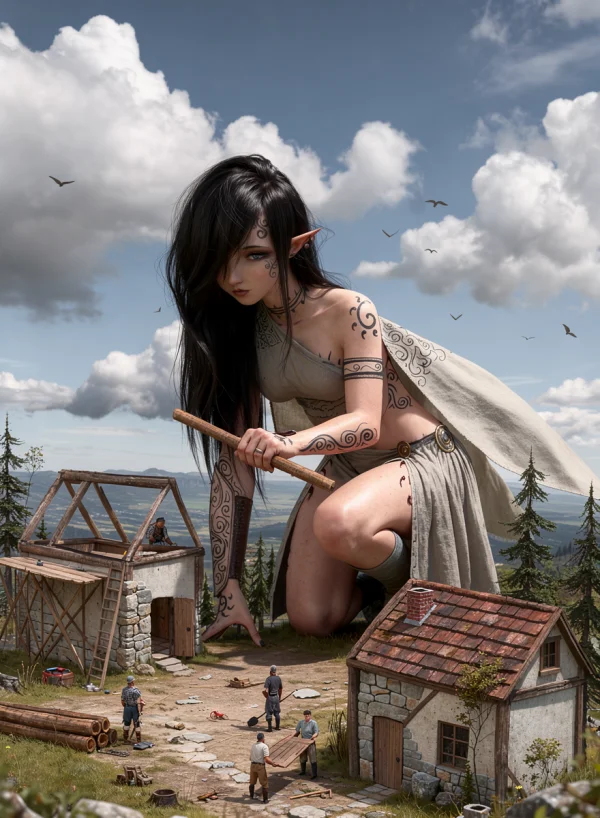
Keep everything the same but no antlers, change from portrait aspect ratio to landscape aspect ratio
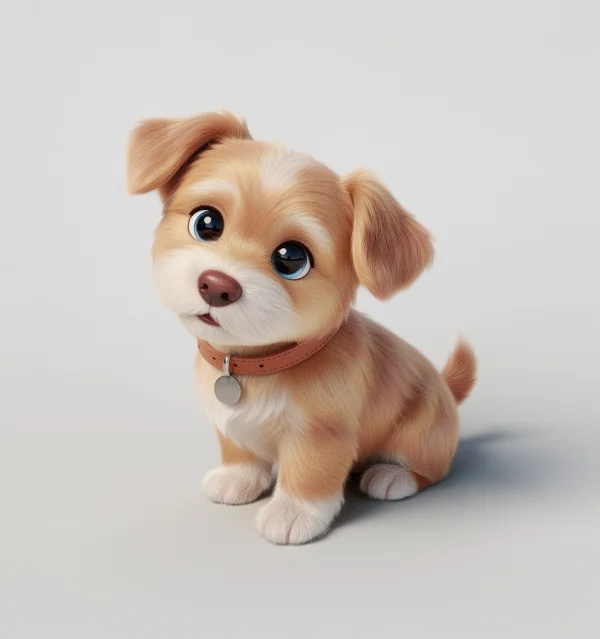
no prompt provided
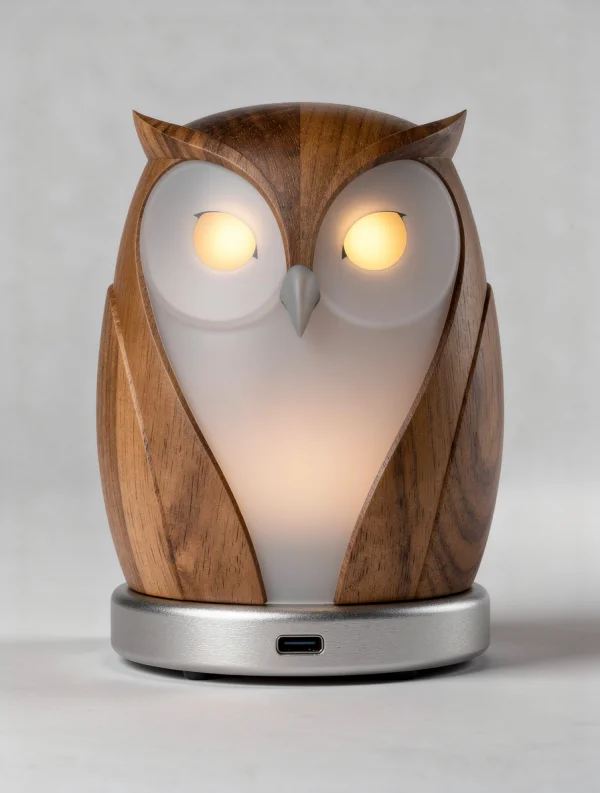
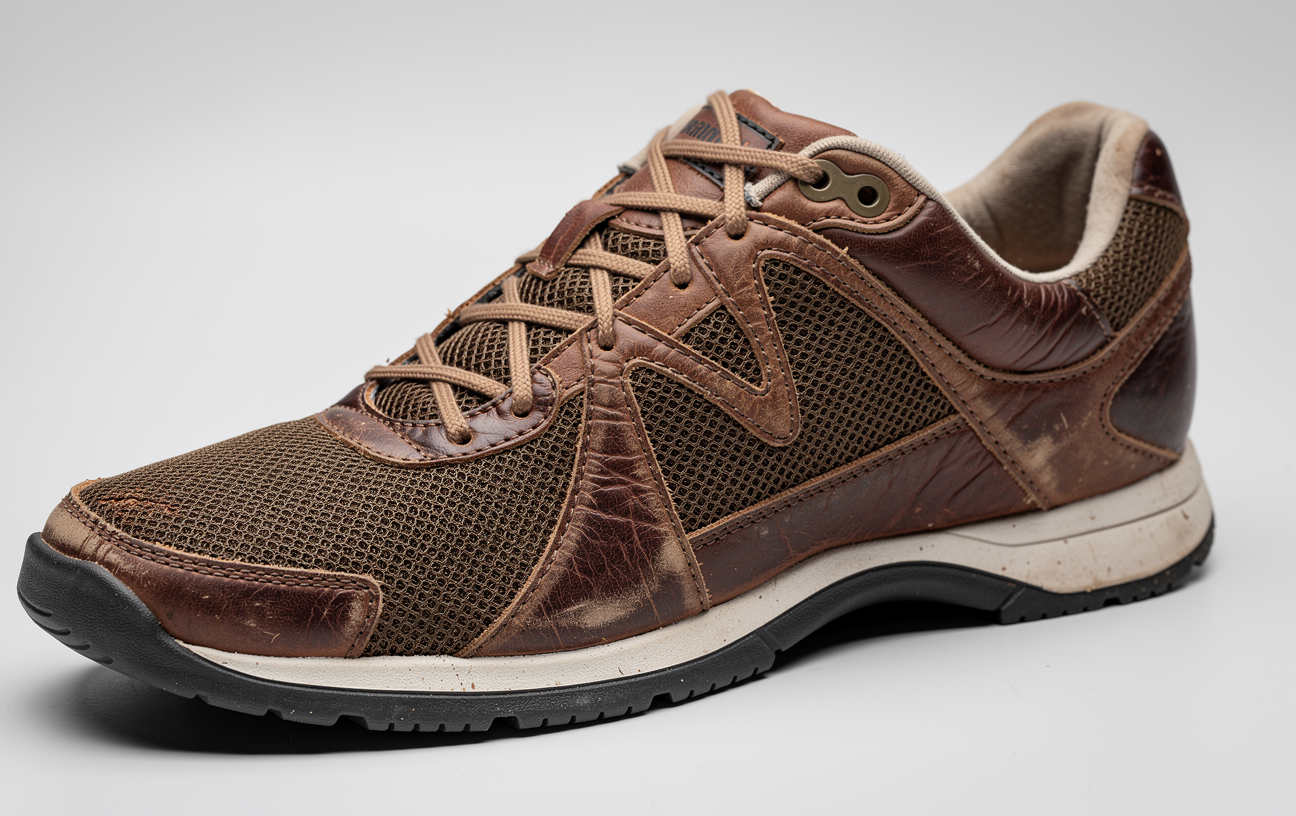
Improvise actual product
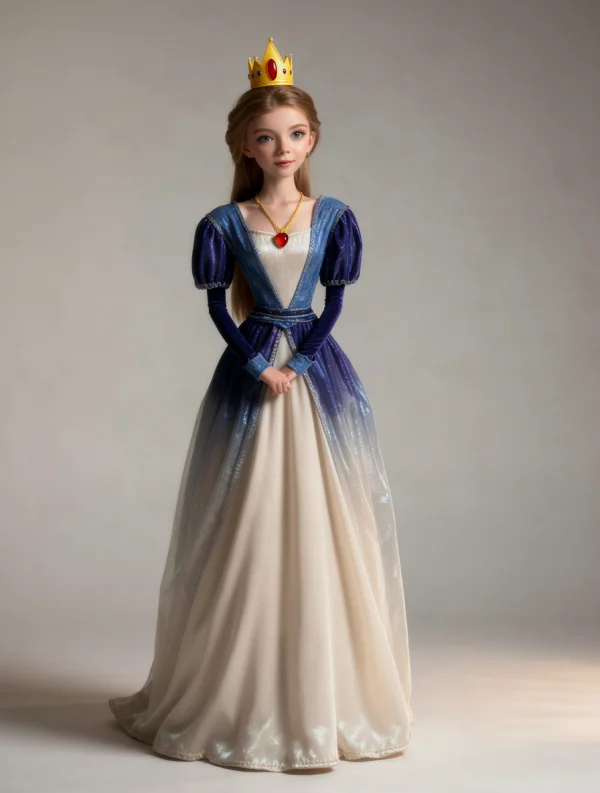
no prompt provided
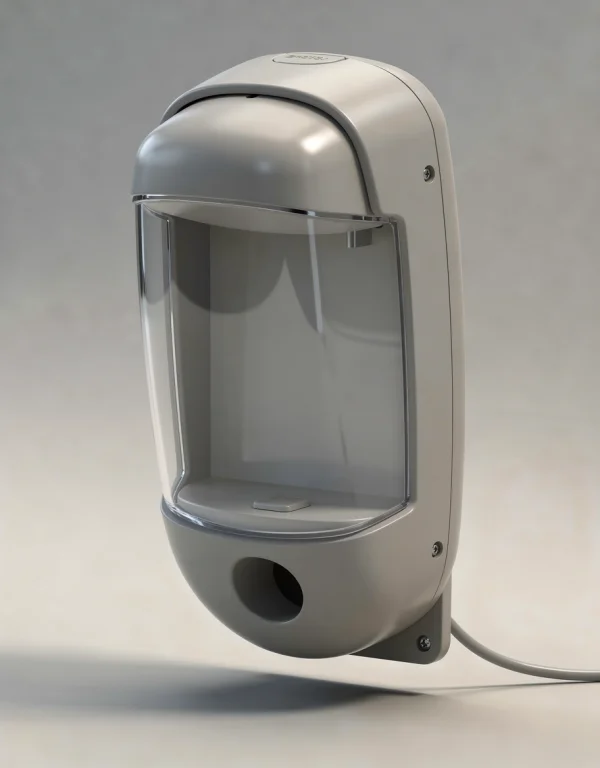
industrial design product
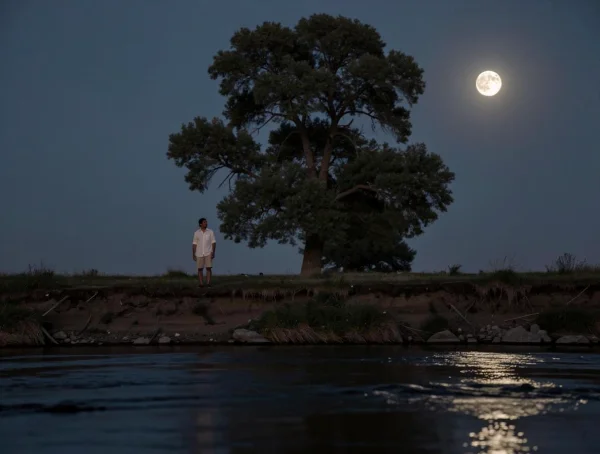
no prompt provided
Transparent Pricing
Simple, transparent plans for every creator.
Start any plan with a 3-Day Free Trial (includes 3 trial credits, $0 due today). Full monthly or annual plan credits unlock automatically when your trial completes. Cancel anytime in 1 click.
Billed annually ($90/yr) after 3-day trial
For hobbyists and occasional creators.
- 3 Trial Credits during 3-day free trial
- 120 credits/mo after trial
- High-res 2D & Spatial Region generation
- Pro 3D composition tools
- Video Animation & Commercial License
$0 due today • Cancel anytime
Billed annually ($150/yr) after 3-day trial
For regular creators, architects, and directors.
- 3 Trial Credits during 3-day free trial
- 200 credits/mo after trial
- High-res 2D & Spatial Region generation
- Pro 3D composition & Storyboard Video
- Full Commercial License
- Priority GPU Queue & Support
$0 due today • Cancel anytime
Billed annually ($390/yr) after 3-day trial
For power users, studios, and design agencies.
- 3 Trial Credits during 3-day free trial
- 1,000 credits/mo after trial
- Ultra-res 8x generation & upscale
- Pro 3D composition & Panorama
- Video Animation & Full Agency License
- 24/7 Dedicated Priority Support
$0 due today • Cancel anytime
FAQ
Frequently Asked Questions
Bring precision to your creative workflow.
Join thousands of designers, architects, and creators transforming raw sketches into photorealistic images and cinematic video.