Draw3D vs Kaedim: Sketch to 3D Blockout to Cinematic Video
Compare Kaedim’s 3D asset workflow with Draw3D’s sketch to 3D blockout to storyboard to cinematic video pipeline.
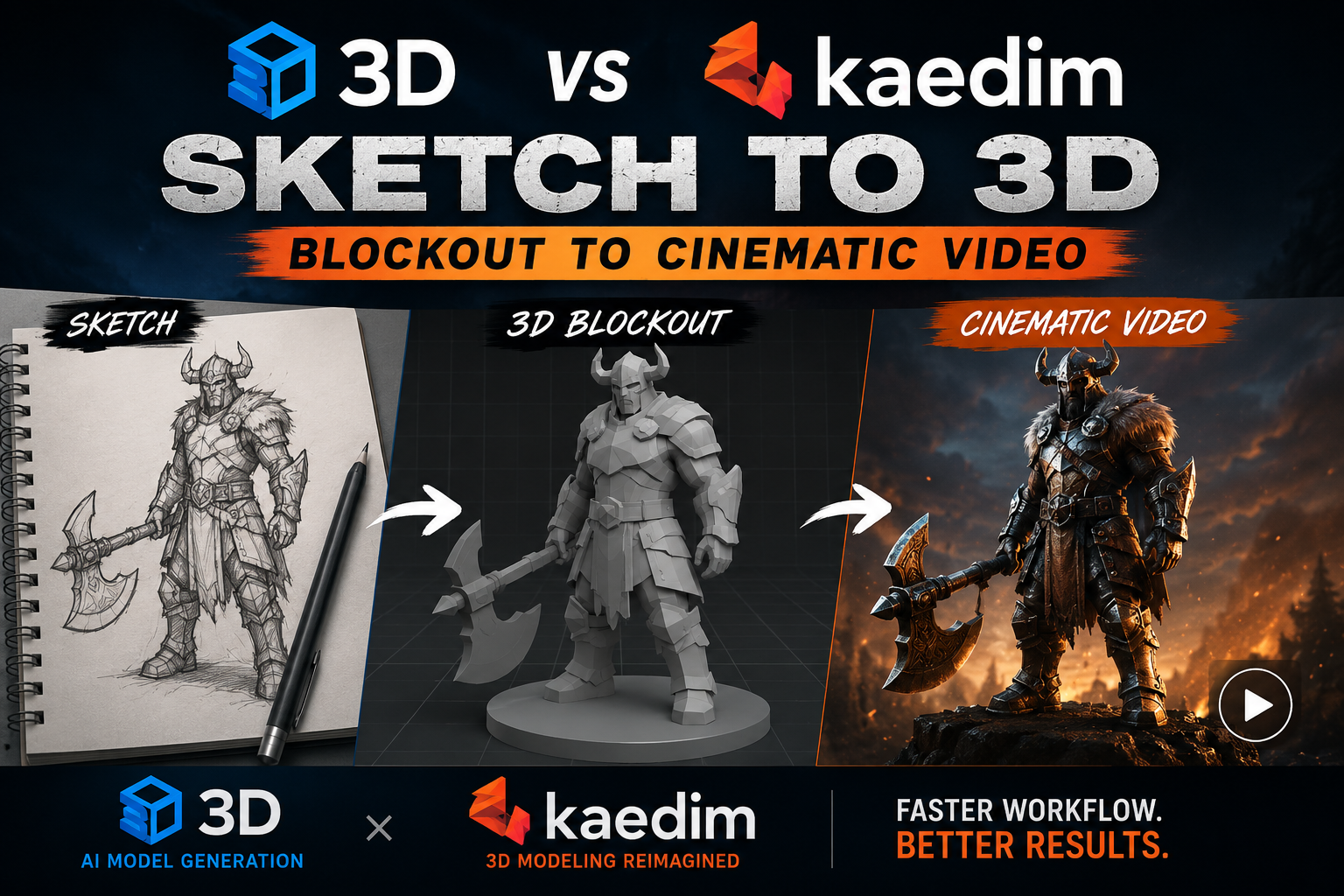
If you are comparing Draw3D vs Kaedim, the biggest difference is not just output quality. It is the workflow. Kaedim is built around converting images or concepts into production-ready 3D assets, which is great when your goal is to move quickly from idea to a usable model. Draw3D goes a step further by connecting the full creative path: sketch to 3D blockout to storyboard to cinematic video.
That distinction matters when you need more than a single asset. If your project is about exploring an idea, building a scene, or presenting a concept visually, Draw3D gives you a more cinematic pipeline. You can start with a rough sketch, turn it into a 3D blockout, expand it into a storyboard, and then convert that storyboard into a finished video.
Kaedim: strong for 3D assets
Kaedim is useful when you want efficient 3D asset generation. It fits workflows where the main objective is to create a model that can be used in a game, scene, or product pipeline. If you already know what object you need, Kaedim can be a practical way to accelerate asset creation.
But asset generation is only one stage of the story. Once you need to develop the scene, plan shots, or move toward motion, you often have to switch tools and rebuild context manually.
Draw3D: sketch to cinematic story
Draw3D is designed for the next step. Instead of stopping at a 3D asset, it keeps moving the idea forward. The workflow starts inside the Draw3D workspace, where you can turn a sketch or reference into a 3D blockout. From there, the scene can evolve into a storyboard and then into a cinematic video.
This is where Draw3D stands out. It is not only about making a model look good. It is about helping you tell a story with that model. You can use Draw3D to move from rough shapes to visual direction, then to cinematic framing, and finally to motion. That makes it especially useful for creators who care about presentation, previsualization, and fast iteration.
Which one should you choose?
If you need a fast way to create 3D assets, Kaedim is a solid fit. If you want a broader creative system that takes you from sketch to 3D blockout to storyboard to video, Draw3D offers a more complete storytelling workflow.
For teams working on concepts, marketing visuals, product storytelling, or cinematic previews, Draw3D removes a lot of the friction between the first sketch and the final presentation. For anyone who wants to stay inside one workflow instead of jumping between multiple tools, that can be a major advantage.
In short: Kaedim is strong for assets. Draw3D is built for visual narratives. If your goal is not just to create a model, but to turn an idea into a cinematic sequence, Draw3D gives you the fuller path.
Further Reading

How You Can Use AI for Architectural Visualizations
Learn how AI can speed up architectural visualization from sketches and raw 3D scenes to polished renders and video using Draw3D.

Sketch to Image AI: Turn Rough Drawings Into Realistic Renders in Seconds
Discover how sketch to image AI helps architects, designers, and creators turn rough drawings into realistic renders fast with Draw3D.

AI Interior Design: Design Your Interior Using AI With Draw3D
Learn how AI interior design tools like Draw3D let you transform rooms, annotate specific areas, and generate stunning redesigns in minutes.